
How D2C Brands Can Use Packaging to Create a Memorable Customer Experience
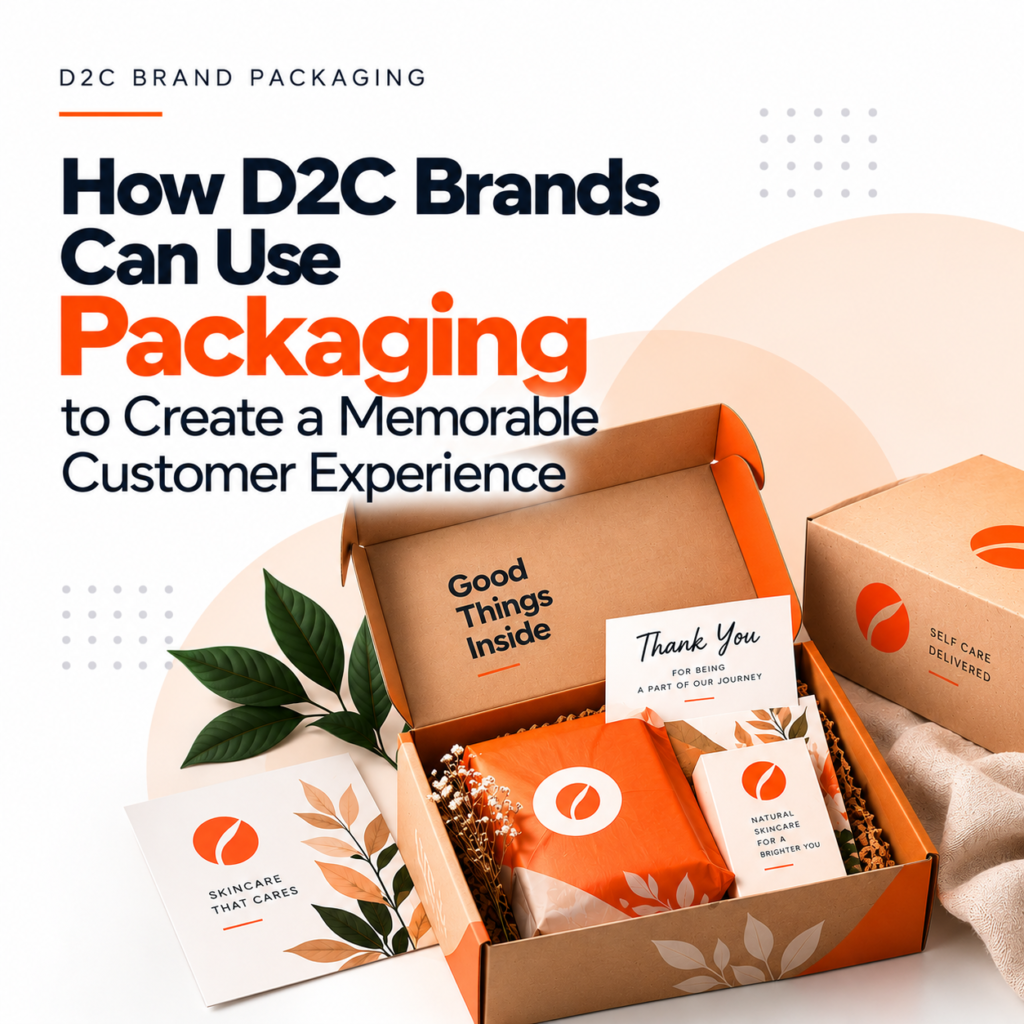
Introduction For direct-to-consumer (D2C) brands, packaging is more than a way to protect products during delivery. It is an important customer touchpoint that introduces the brand, communicates its values, and shapes the experience of receiving an order. Unlike traditional retail products, D2C products often reach customers directly at their doorstep. This gives brands an opportunity to create a memorable unboxing experience through thoughtful packaging design, useful details, and consistent branding. 1. Create a Strong First Impression Packaging is often the first physical interaction customers have with a D2C brand. A well-designed package can make an order feel professional, thoughtful, and worth remembering. Use brand colours, clear typography, distinctive graphics, and consistent logo placement to create a recognisable identity. The design should reflect your brand personality while remaining practical for shipping and handling. 2. Design an Engaging Unboxing Experience The unboxing experience can influence how customers feel about their purchase. Thoughtful details, such as neatly arranged products, easy-to-open boxes, branded tissue paper, or a simple thank-you card, can make receiving an order more enjoyable. However, memorable packaging does not have to be expensive. Even a clean layout, well-organised product placement, and carefully chosen materials can create a positive impression. 3. Maintain Consistent Branding Customers may discover your brand on Instagram, explore products on your website, and receive their order days later. Packaging should connect these experiences through consistent colours, fonts, imagery, and messaging. This visual consistency helps customers recognise your brand and reinforces the identity they encountered during their online shopping journey. 4. Add Personalised Touches Personalisation can make customers feel more connected to a brand. Depending on your budget and fulfilment process, consider including a personalised note, product-use tips, a welcome message, or recommendations related to the customer’s purchase. For example, a skincare brand could include a simple guide explaining the recommended order for using its products. These useful additions improve the experience without making the packaging unnecessarily complicated. 5. Choose Functional and Sustainable Materials Attractive packaging should also protect the product and make it easy to handle. D2C brands should consider shipping durability, product dimensions, storage requirements, and ease of opening when choosing packaging formats. Where practical, brands can also explore recyclable materials, right-sized boxes, reduced packaging layers, and refill options. Sustainable choices should be evaluated according to product protection, local recycling facilities, and actual disposal conditions. 6. Encourage Customers to Engage With Your Brand Packaging can extend the customer relationship beyond delivery. A thoughtfully designed insert can invite customers to explore product tutorials, register a product, join a loyalty programme, or discover related items. QR codes can link to useful resources, while branded cards can encourage customers to share feedback. Any request to post an unboxing video or tag the brand should feel natural rather than forced. 7. Balance Creativity With Cost D2C brands need to balance customer experience with packaging and shipping costs. Oversized boxes, unnecessary inserts, and excessive decorative materials can increase expenses without adding meaningful value. Focus on packaging elements that support product protection, brand recognition, convenience, and customer satisfaction. Test samples before production and review customer feedback to understand which details genuinely improve the experience. Conclusion Packaging gives D2C brands an opportunity to create a stronger connection with customers beyond the online purchase. From distinctive visual design and thoughtful unboxing details to functional materials and useful inserts, every element can contribute to a more memorable experience. At BlackBuck Design Studio, we believe effective packaging design combines creativity, functionality, and brand strategy to help D2C businesses stand out and build lasting customer relationships.
Why Consistent Branding Matters Across Social Media, Websites & Packaging
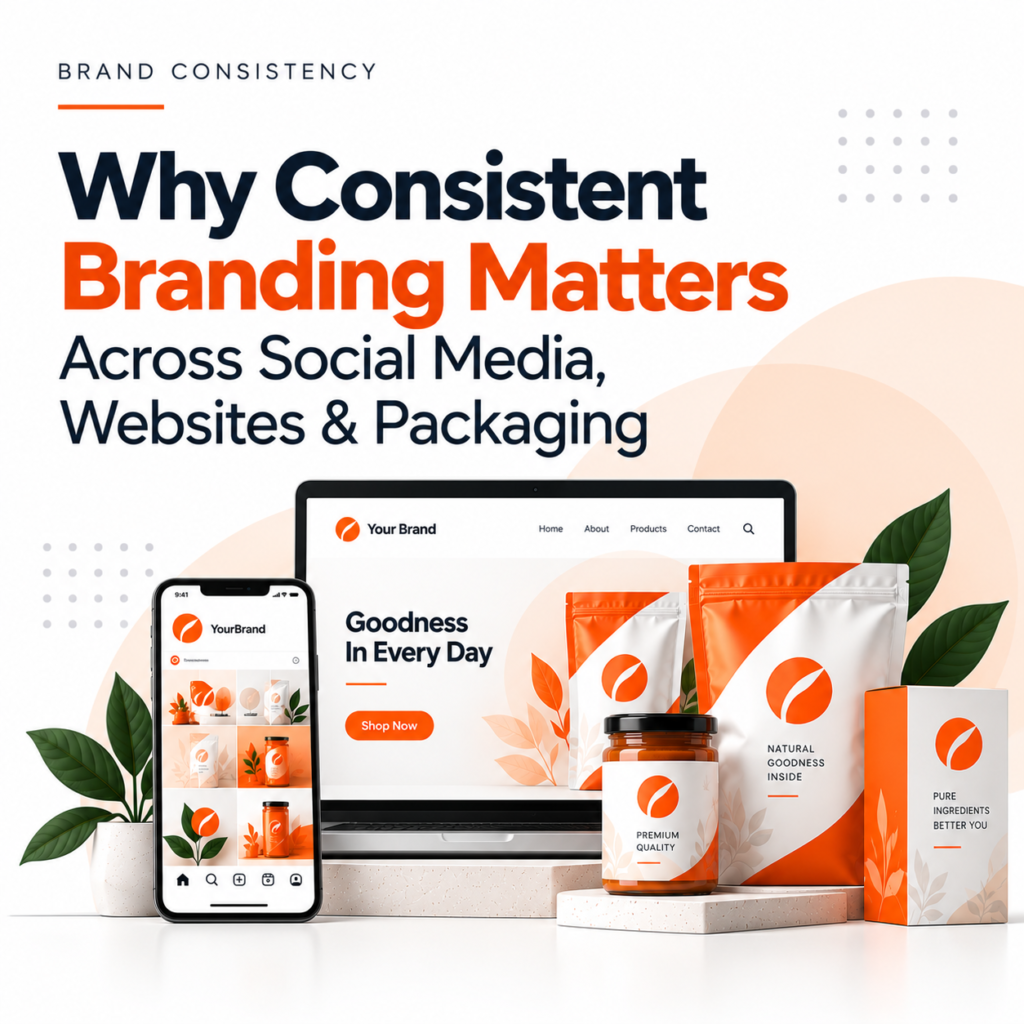
Introduction Customers interact with brands across multiple touchpoints, from social media posts and websites to product packaging. When these experiences look and feel connected, customers can recognise the brand more easily and develop greater confidence in the business. Consistent branding goes beyond using the same logo everywhere. It means maintaining a unified visual identity, tone of voice, messaging, and customer experience across every platform. 1. Builds Strong Brand Recognition Brand recognition develops when customers repeatedly see familiar visual elements, such as colours, typography, logos, and graphic styles. Using these elements consistently across Instagram posts, website pages, advertisements, and product packaging makes your business easier to identify. Over time, customers may begin recognising your brand even before reading its name. 2. Builds Customer Trust and Credibility Consistency makes a brand appear more organised and professional. When your website, social media profiles, and packaging communicate the same identity, customers receive a more reliable impression of your business. On the other hand, unrelated designs, conflicting messages, and inconsistent logos can create confusion. A unified brand presentation helps customers understand what your business represents. 3. Creates a Better Customer Experience Customers may discover your business on social media, visit your website to learn more, and eventually purchase a product. Each interaction should feel like part of the same brand experience. For example, if a skincare brand uses minimal visuals and calming colours on Instagram, its website and product packaging should reflect a similar style. This creates a smoother journey from discovery to purchase. 4. Strengthens Branding Across Social Media Social media platforms are important channels for brand awareness and customer engagement. Consistent profile images, colours, templates, typography, and content styles make your posts more recognisable in crowded feeds. A clear social media branding system also helps teams create content more efficiently while maintaining a professional appearance across platforms. 5. Connects Website Design With Brand Identity Your website is often a key destination for customers who want to understand your products or services. Its design should reflect the same identity customers see in your social media content and other marketing materials. Consistent colours, fonts, imagery, messaging, and design elements create a cohesive experience. They also help ensure that your website communicates the right brand personality while supporting usability and business goals. 6. Makes Product Packaging More Memorable Packaging is a physical expression of your brand identity. When its design aligns with your website and social media presence, customers can connect the product with the brand more easily. Consistent logo placement, colour palettes, typography, and messaging help create a recognisable appearance across product ranges. This is especially useful for businesses selling through both online and physical retail channels. 7. Simplifies Marketing and Supports Business Growth A consistent branding system gives businesses a clear foundation for future marketing activities. Instead of creating every design from scratch, teams can follow established guidelines for colours, fonts, layouts, imagery, and messaging. As your business expands into new platforms, launches new products, or introduces new campaigns, these guidelines help maintain a unified identity. How to Maintain Brand Consistency Across Platforms Businesses can improve consistency by creating clear brand guidelines that define how their identity should be used. Conclusion Consistent branding helps businesses build recognition, communicate credibility, and create a connected customer experience across social media, websites, and packaging. When every touchpoint reflects the same brand identity, customers can understand and remember your business more easily. At BlackBuck Design Studio, we believe strong branding combines thoughtful strategy with consistent design to help businesses build a distinctive and memorable presence.
The Complete Guide to Creating Packaging for a New Product
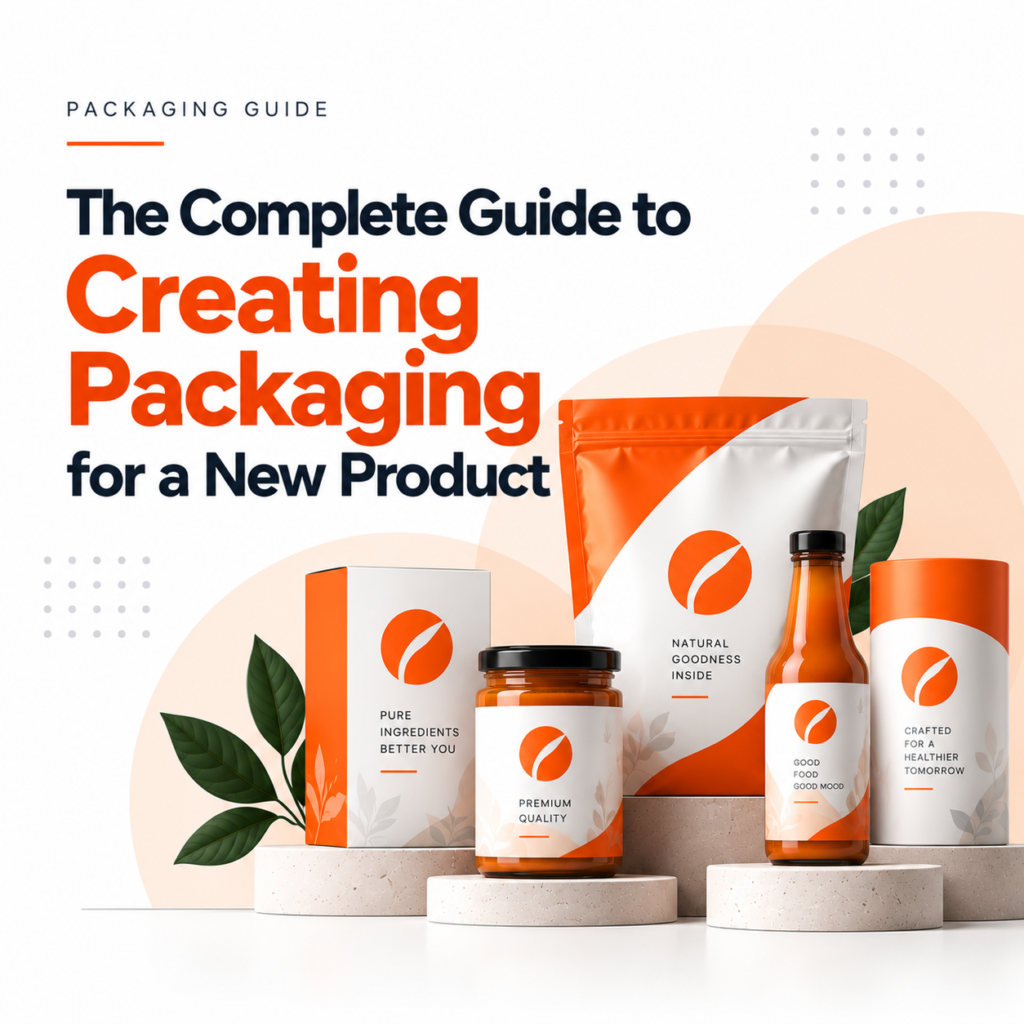
Introduction Launching a new product involves more than developing a quality product. Its packaging also plays an important role in attracting customers, communicating product information, and building brand recognition. Good packaging protects the product while creating a positive first impression. Whether you are launching a food product, cosmetic, skincare item, or consumer good, the right packaging can help your product stand out in a competitive market. Here is a step-by-step guide to creating effective product packaging. 1. Understand Your Product and Target Audience Before designing the packaging, identify your product’s purpose, key features, price range, and target customers. Your packaging should reflect both the product category and the expectations of your audience. For example, premium skincare products may benefit from a clean, elegant design, while children’s products may use brighter colours and playful illustrations. Consider the following questions: These insights provide a clear direction for your packaging design. 2. Choose the Right Packaging Type and Materials Packaging must protect the product, support storage and transportation, and suit the way customers will use it. Common packaging options include cardboard boxes, glass bottles, plastic containers, flexible pouches, tins, and paper-based packaging. The right choice depends on product requirements, durability, budget, and sustainability goals. For example, liquid products need leak-resistant containers, while fragile products may require protective inserts or cushioning. Consider material strength, product compatibility, shipping conditions, recyclability, and total packaging cost before making a decision. 3. Develop a Strong Packaging Design Once you have selected the packaging format, focus on its visual identity. The design should communicate your brand personality and help customers recognise your product quickly. Important design elements include: Avoid overcrowding the design. A clear layout helps customers understand the product without unnecessary distractions. 4. Include Essential Product Information Packaging must do more than look attractive. It should also provide accurate and readable information that helps customers make informed decisions. Depending on the product category and applicable regulations, packaging may need to include the product name, ingredients or materials, net quantity, manufacturer details, usage instructions, warnings, batch information, expiry or best-before details, and other mandatory declarations. Food, cosmetics, pharmaceuticals, and other regulated products may have specific labelling requirements. Check the rules that apply to your product and market before approving the final artwork. 5. Balance Creativity With Functionality Creative packaging can attract attention, but it must also work well in real-world conditions. Customers should be able to open, store, carry, and use the product conveniently. Consider factors such as: Functional packaging can improve the customer experience while reducing avoidable damage and waste. 6. Consider Sustainability and Cost Sustainable packaging can support your brand’s environmental goals when material choices and disposal options are carefully considered. Depending on the product, you could explore recyclable materials, right-sized packaging, reduced material usage, refill systems, or reusable containers. Evaluate the actual recycling infrastructure and product-protection requirements rather than relying on environmental claims alone. You should also calculate the total packaging cost, including materials, printing, finishing, tooling, storage, shipping, and minimum order quantities. This helps you choose an option that fits your budget without compromising essential quality. 7. Create Prototypes and Test Before Production Before placing a large order, create a packaging prototype or sample. This allows you to evaluate the design, material quality, dimensions, colours, print accuracy, and usability. Test whether the packaging protects the product during handling and transportation. Check that labels remain readable and that the packaging performs as expected under normal storage conditions. Gather feedback from relevant team members or potential customers, make necessary changes, and approve a final production-ready version. Conclusion Creating packaging for a new product requires a balance of strategy, visual design, functionality, compliance, and cost. By understanding your audience, choosing suitable materials, developing a clear design, and testing prototypes, you can create packaging that protects your product and strengthens your brand identity. At BlackBuck Design Studio, thoughtful packaging design helps businesses present their products professionally, communicate their value, and create a consistent brand experience.
How to Build a Strong Brand Identity from Scratch
Introduction Building a strong brand identity is more than designing a logo or choosing attractive colours. It is about creating a consistent visual and verbal identity that helps people recognise your business, understand its values, and remember it. Whether you are launching a startup or growing an existing business, a clear brand identity can help you stand out in a competitive market. Here are the essential steps to build one from scratch. 1. Define Your Brand Purpose and Values Before starting the design process, understand what your business stands for. Define your mission, vision, values, and the problem your brand solves. Ask yourself: These answers will guide your branding decisions and help create a consistent identity. 2. Understand Your Target Audience A strong brand identity connects with the right audience. Research your customers’ needs, preferences, expectations, and buying behaviour. For example, a premium skincare brand may use refined typography and subtle colours, while a youth-focused food brand may choose bold colours and playful visuals. Understanding your audience helps ensure your branding feels relevant rather than simply following design trends. 3. Create a Distinctive Logo Your logo is one of the most recognisable elements of your brand identity. It should reflect your brand personality, remain easy to recognise, and work across different platforms. Consider how the logo will appear on your website, packaging, business cards, social media, and other marketing materials. Keep the design simple, scalable, and memorable. A well-designed logo should support your brand strategy rather than try to communicate everything at once. 4. Choose Your Brand Colours and Typography Colours and fonts influence how people perceive your business. Choose a colour palette and typography system that reflect your brand personality and remain consistent across all communications. These elements work together to make your brand visually recognisable. 5. Develop a Consistent Brand Voice Brand identity is not limited to visuals. The way your business communicates also shapes how people perceive it. Decide whether your brand voice should be professional, friendly, playful, informative, or authoritative. Use this tone consistently across your website, social media, advertisements, emails, and customer interactions. A consistent voice helps create a recognisable brand personality and builds familiarity with your audience. 6. Create Brand Guidelines Brand guidelines document how your identity should be used. They help maintain consistency when different people create marketing materials for your business. Your guidelines should include: Even a simple brand guideline document can prevent inconsistent designs as your business grows. 7. Apply Your Brand Identity Across Every Touchpoint Once your identity is ready, use it consistently across all customer-facing platforms. This includes your website, social media profiles, packaging, presentations, advertisements, and printed materials. Review these touchpoints regularly to ensure they communicate the same brand personality. Consistency helps customers recognise your business and develop familiarity over time. Conclusion Building a strong brand identity from scratch requires a clear strategy, thoughtful design, and consistent communication. By understanding your audience, creating distinctive visuals, defining your brand voice, and following clear guidelines, you can build an identity that supports long-term brand recognition and business growth. At BlackBuck Design Studio, we believe effective branding combines strategy and creativity to help businesses communicate their value and stand out in the market.
10 Packaging Design Trends Every FMCG Brand Should Know in 2026
Introduction In the fast-moving consumer goods (FMCG) industry, packaging does more than protect a product. It attracts attention, communicates brand value, and influences purchasing decisions. As consumer expectations evolve, brands need packaging that is visually appealing, practical, recognisable, and aligned with their values. From sustainable materials to bold visual identities, packaging design trends in 2026 offer FMCG brands new ways to stand out on retail shelves and digital platforms. Here are 10 trends worth considering. 1. Sustainable and Recyclable Packaging Sustainability remains an important consideration in modern packaging design. Brands are exploring recyclable materials, refillable formats, lightweight packaging, and reduced material usage. However, sustainable packaging should be practical as well as attractive. Material choices must protect the product and suit the available recycling infrastructure. Design tip: Use materials that support your sustainability goals and communicate environmental claims accurately. 2. Minimalist Packaging Design Minimalism focuses on clean layouts, limited colours, readable typography, and fewer visual distractions. For FMCG brands, this approach helps customers quickly identify the product and understand its key benefits. Design tip: Prioritise the brand name, product category, and one key benefit instead of overcrowding the front panel. 3. Bold Typography and Colours Bold typography and distinctive colour combinations help products stand out in crowded retail environments. Strong visual elements can also make packaging more recognisable in small online product images. Design tip: Create a clear visual hierarchy and test your packaging at different sizes before finalising the design. 4. Nostalgic and Heritage-Inspired Designs Many brands are using vintage typography, traditional illustrations, and familiar cultural references to create an emotional connection with customers. For Indian FMCG brands, regional art, traditional patterns, and local storytelling can help communicate authenticity. Design tip: Combine heritage-inspired elements with modern layouts to create packaging that feels both familiar and contemporary. 5. Smart and Interactive Packaging QR codes and other connected packaging features can extend the customer experience beyond the physical pack. Customers may use them to access product information, recipes, brand stories, tutorials, or loyalty programmes. Design tip: Add digital features only when they offer genuine value. Keep QR codes easy to scan and ensure the linked content works well on mobile devices. 6. Premium Finishes and Textures Matte finishes, embossing, foil accents, and textured materials can make packaging feel more premium. These techniques can be particularly useful for gourmet foods, personal care products, beverages, and gift-oriented FMCG products. Design tip: Use premium finishes selectively. The goal is to enhance brand perception without unnecessarily increasing production costs. 7. Packaging Designed for E-Commerce Packaging must now work across physical retail shelves, online marketplaces, and quick-commerce platforms. A design that looks attractive in a full-size photograph may become difficult to recognise when displayed as a small thumbnail. Design tip: Test packaging at thumbnail size. Make the product name, brand identity, and key visual elements easy to identify. 8. Personalised and Character-Led Packaging Illustrated characters, playful graphics, and limited-edition designs can make products more engaging and memorable. Personalised packaging can also support seasonal campaigns, special launches, and collaborations. Design tip: Keep creative variations connected to your core brand identity so customers can still recognise your products. 9. Transparency and Clear Product Information Today’s consumers often want to understand what they are buying. Clear labels, readable ingredient information, and straightforward product claims can help build confidence. Packaging should balance attractive visuals with the information customers need to make informed decisions. Design tip: Make essential information easy to find and ensure all claims comply with applicable labelling requirements. 10. AI-Assisted Packaging Design AI tools are helping design teams explore visual concepts, generate variations, and test different creative directions more efficiently. For FMCG brands with multiple products and variants, these tools can support faster ideation and design exploration. However, human designers remain essential for brand strategy, originality, accuracy, and production-ready artwork. Design tip: Use AI to explore possibilities, then refine the strongest concepts around your brand identity and practical packaging requirements. How to Choose the Right Packaging Trend for Your Brand Not every trend will suit every business. Before updating your packaging, consider: The best packaging design decisions balance creativity, functionality, brand recognition, and cost. Conclusion FMCG packaging design in 2026 is about more than following visual trends. It is about creating packaging that communicates value, attracts attention, and delivers a consistent customer experience. From sustainable materials and bold typography to interactive features and AI-assisted design, brands have many opportunities to make their products stand out. At BlackBuck Design Studio, we believe effective packaging design starts with understanding your brand, your customers, and your business goals. Looking to create packaging that stands out on shelves and screens? Explore our packaging design and branding services to build a distinctive identity for your products.
Branding vs. Logo Design: Understanding the Difference
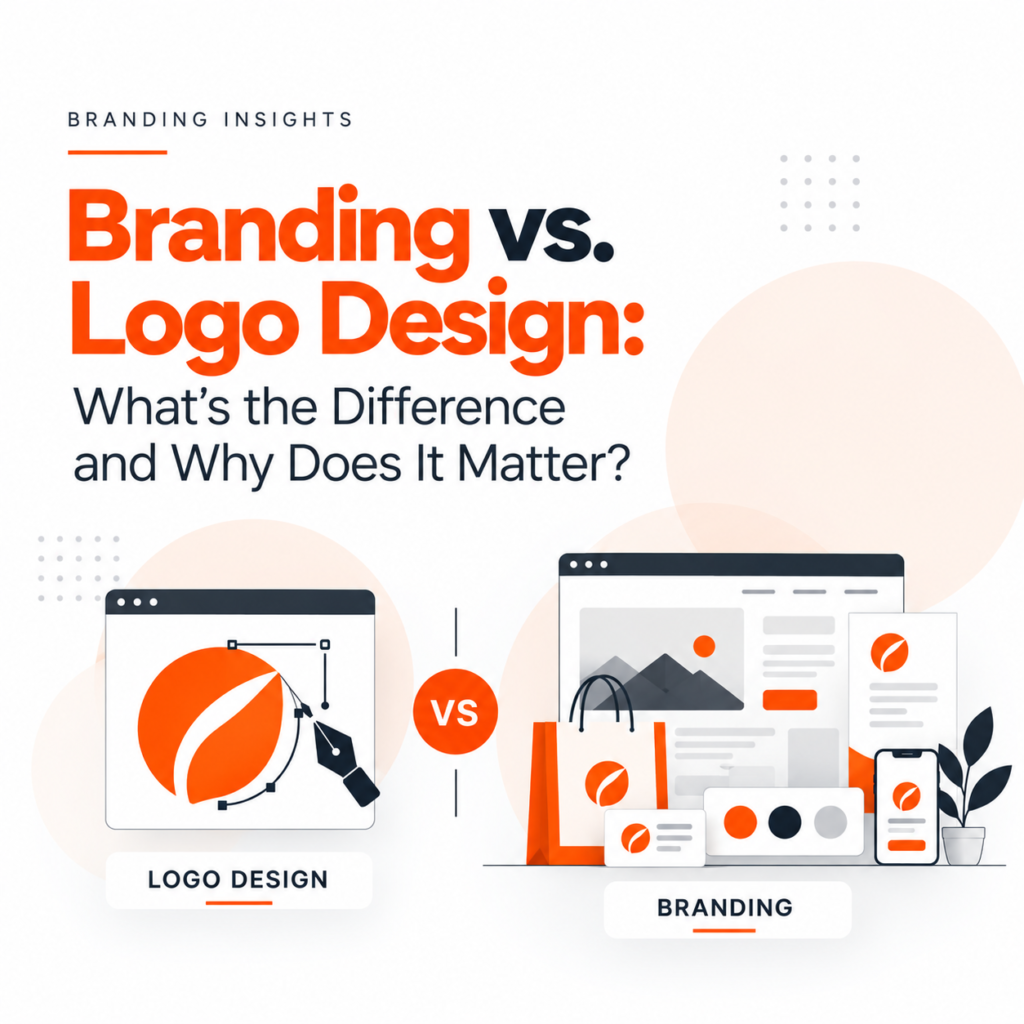
When starting a business, one of the first things many business owners invest in is a logo. While a logo is an important part of a brand, it is only one piece of the bigger picture. Branding and logo design are connected, but they are not the same. A logo helps people recognise your business, while branding shapes how people perceive, remember, and connect with it. Understanding this difference can help businesses create a stronger identity and stand out in a competitive market. What Is Logo Design? Logo design is the process of creating a visual symbol that represents a business. It may include typography, icons, shapes, colours, or a combination of these elements. A good logo should be recognisable, memorable, versatile, and relevant to the business. For example, a logo needs to work across different touchpoints, including websites, packaging, business cards, social media, and marketing materials. However, a logo alone cannot communicate everything about a business. It needs a consistent brand identity around it to create a complete experience. What Is Branding? Branding is the broader process of shaping how people perceive a business. It includes the strategy, personality, messaging, visual identity, and customer experience associated with a company. Branding helps answer important questions: Branding can include logo design, colour palettes, typography, tone of voice, packaging, website design, and marketing communication. In simple terms, branding defines your identity and how your audience experiences it. Branding vs. Logo Design: Key Differences Logo Design Branding Creates a visual symbol for a business Shapes the overall brand perception Focuses on visual recognition Focuses on identity, positioning, and experience Includes logos, icons, and wordmarks Includes strategy, messaging, visuals, and customer experience Is one element of brand identity Provides the broader framework for brand identity Helps customers recognise a business Helps customers understand and remember a business Both are essential, but they serve different purposes. Why Does Your Business Need Both? 1. Build Brand Recognition A well-designed logo helps customers identify your business. Consistent branding reinforces that recognition across your website, packaging, advertisements, and social media. 2. Create Customer Trust Consistency makes a business appear more professional and reliable. When your visual identity and messaging work together, customers can develop a clearer understanding of your brand. 3. Stand Out From Competitors A logo may help you look distinctive, but branding communicates why customers should choose you over alternatives. A clear brand strategy helps businesses express their unique value, personality, and positioning. 4. Create a Consistent Customer Experience From the first website visit to the final purchase, every interaction contributes to brand perception. Consistent colours, typography, messaging, and design help create a unified experience across digital and physical platforms. When Should You Invest in Branding? If you’re launching a new business, developing your branding early can help establish a clear direction before investing in individual marketing materials. If your business already has a logo but struggles with inconsistent communication, unclear positioning, or an outdated identity, a branding project may be worth considering. A logo redesign may be sufficient when the wider brand identity is strong but the logo no longer meets your needs. The right choice depends on your business goals and current brand challenges. Conclusion Branding and logo design work together to create a memorable business identity. A logo gives your brand a recognisable face, while branding defines its personality, message, values, and overall experience. Investing in both helps businesses communicate more clearly, build recognition, and establish stronger connections with their audience. At BlackBuck Design Studio, we believe great design goes beyond creating a logo. It is about building a cohesive brand identity that reflects your business, connects with your audience, and supports long-term growth. Ready to build a stronger brand? Explore our branding and logo design services to create an identity that stands out.
Designing for the Future: Why Businesses Need a Strong Design Strategy to Stay Competitive
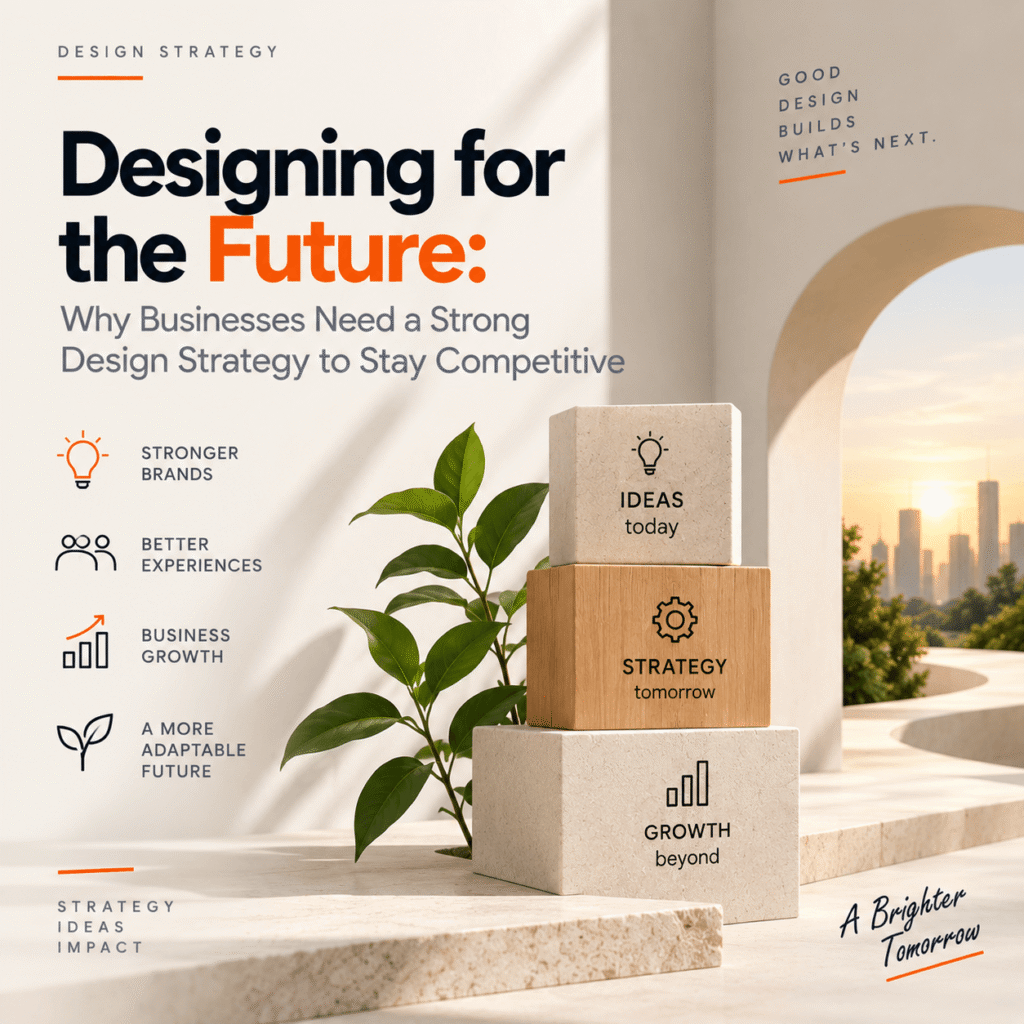
Introduction Business competition is changing faster than ever. New technologies, shifting customer expectations, emerging competitors, and constantly evolving digital experiences are forcing businesses to rethink how they operate and present themselves. In this environment, design is no longer just about creating attractive logos, websites, packaging, or advertisements. It has become a strategic business tool. A strong design strategy connects creativity with business goals. It helps organizations create meaningful customer experiences, build recognizable brands, solve problems more effectively, and adapt to changing markets. For businesses planning for the future, design should not be an afterthought. It should be part of the strategy from the beginning. What Is a Design Strategy? A design strategy is a structured approach to using design to achieve specific business and customer goals. Instead of asking only, “What should this product or website look like?”, strategic design asks broader questions: This approach brings business, branding, technology, and customer experience together. The result is design that serves a purpose—not design for the sake of appearance. Why Design Strategy Matters for Modern Businesses 1. It Creates a Clear Brand Direction A business can have a great logo and still have a weak brand. A brand design strategy provides a consistent direction for how a company communicates visually and emotionally. It can define elements such as: When these elements work together, customers receive a consistent experience wherever they interact with the brand. That consistency helps build recognition and trust over time. 2. It Helps Businesses Understand Their Customers Good design begins with understanding people. A design strategy encourages businesses to look beyond assumptions and understand what customers actually need, expect, and struggle with. Research, customer feedback, behavioral insights, and usability testing can all contribute to better design decisions. For example, a company might discover that customers aren’t leaving a website because they dislike the visual design. They may be leaving because the navigation is confusing or important information is difficult to find. Strategic design focuses on solving the real problem. 3. It Creates a Competitive Advantage Markets are crowded. In many industries, businesses offer similar products, services, features, and prices. Design can help create differentiation where traditional competitive advantages are becoming harder to maintain. A strong design strategy can make a brand: This can become a meaningful competitive advantage. Design alone cannot make a poor product successful, but when strong design is combined with a strong product and business strategy, it can significantly strengthen how customers perceive and interact with the brand. 4. It Improves Customer Experience Customers don’t experience a business through a single touchpoint. They may discover a brand through social media, visit its website, download an app, speak with customer support, receive an email, purchase a product, and interact with packaging or physical spaces. Every interaction contributes to their overall impression. A design strategy helps businesses think about these touchpoints as parts of one connected experience. Instead of designing each element separately, companies can create a more seamless customer journey. 5. It Makes Businesses More Adaptable The future is difficult to predict. New technologies and customer behaviors can change markets quickly. Businesses that rely on rigid design systems may struggle to adapt. A strong design strategy creates a flexible foundation. For example, a scalable visual identity can be adapted across new platforms, products, campaigns, and markets without losing brand recognition. This flexibility becomes especially valuable as businesses grow. Design Strategy and Business Growth Design can influence more than brand perception. It can contribute directly to business growth. A well-designed digital experience can make it easier for customers to find information and complete purchases. Clear product communication can reduce confusion. Consistent branding can improve recognition. Better service experiences can increase customer satisfaction. These improvements may seem small individually, but together they can have a significant impact on how a business performs. This is why businesses should view design as an investment rather than simply an expense. The Role of Design Thinking One important part of modern strategic design is design thinking. Design thinking encourages businesses to understand problems from the customer’s perspective before jumping to solutions. A typical process involves: The process is not always linear. Businesses may move between stages as they learn more about the problem. The key idea is simple: design solutions around real needs rather than assumptions. Building a Design System for the Future As businesses expand, maintaining consistency becomes more difficult. Different teams may create different websites, presentations, campaigns, products, and digital experiences. A design system can help solve this problem. It brings reusable components, guidelines, visual elements, and design principles into one structured framework. A good design system can help businesses: This makes design more practical and scalable as an organization grows. Technology Is Changing the Role of Design Technology is reshaping how businesses design and deliver experiences. Artificial intelligence, automation, augmented reality, voice interfaces, personalization, and new digital platforms are creating new opportunities for customer interaction. But technology alone does not guarantee a good experience. Businesses still need to understand how people interact with these technologies. Design strategy helps organizations ask important questions: Is this technology useful? Does it make the customer’s experience easier? Does it fit the brand? Does it solve a real problem? The future of design will not simply be about adopting new technology. It will be about using technology thoughtfully to create better experiences. Designing for a Multi-Channel World Customers don’t think in terms of departments or channels. They simply experience the brand. Whether they interact with a business through a website, mobile application, physical store, social media platform, email, product, or customer service team, they expect the experience to feel connected. A future-focused design strategy therefore needs to consider the entire ecosystem. The goal isn’t necessarily to make everything look identical. Instead, different touchpoints should feel like they belong to the same brand. Common Design Strategy Mistakes Businesses often make design decisions reactively. A new website needs to launch, so a website is designed. A new product is introduced, so packaging is created. A marketing
From Shelf to Screen: Why Great Packaging Design Matters for Modern Brands

Introduction Think about the last time a product caught your attention simply because of the way it looked. Maybe it was the color of the box, the typography, the shape of the bottle, or a small detail that made the product feel different from everything around it. That is the power of good packaging design. Packaging is no longer just about protecting a product. For modern brands, it is an important part of the overall customer experience. It communicates personality, creates recognition, sets expectations, and can even influence whether someone decides to buy a product. And today, packaging has to do more than stand out on a retail shelf. It also needs to look good in an Instagram post, an online store, a product review, or an unboxing video. In other words, packaging has moved from shelf to screen. Packaging Is Often the First Conversation Between a Brand and a Customer Before customers try a product, they see it. The packaging is often their first physical interaction with a brand. Within seconds, it can communicate whether the product is premium, affordable, playful, natural, modern, traditional, or innovative. This is why effective product packaging design starts with understanding the brand and its audience. A luxury skincare product, for example, may benefit from clean layouts, subtle colors, and refined finishes. A children’s snack brand might take a completely different approach with bright colors, playful illustrations, and expressive typography. There is no single formula for great packaging. The right design is the one that communicates the right message to the right audience. Good Packaging Makes a Brand Recognizable Think about some of the world’s most recognizable products. Often, you can identify them before reading the brand name. That recognition doesn’t happen by accident. Consistent packaging helps create a visual language for a brand. Colors, typography, illustrations, patterns, shapes, and materials can all become recognizable brand assets. When these elements are used consistently across products, customers begin to associate them with the brand. This is where packaging branding becomes particularly valuable. Instead of treating every product package as a separate design project, successful brands create a packaging system that feels connected while still allowing individual products to have their own identity. Packaging Can Influence Buying Decisions Customers don’t always choose products based purely on features or price. Visual presentation can play a role too. When a package is well organized and communicates its key benefits clearly, customers can understand the product more quickly. A strong design can also create a perception of quality and make a product feel more relevant to its target audience. This doesn’t mean attractive packaging can replace a good product. It can’t. Instead, effective packaging works alongside the product itself. It gets attention, communicates value, and encourages the customer to take a closer look. Standing Out on a Crowded Shelf Retail shelves are competitive. Products are surrounded by alternatives that may offer similar features, prices, and benefits. If packaging blends into its surroundings, customers may never notice it. Creative packaging design can help solve this problem. Strong contrast, distinctive typography, an interesting package structure, or a unique visual concept can help a product attract attention. But standing out does not mean making a package unnecessarily complicated. Sometimes, the simplest design can be the most noticeable. What matters is having a clear idea behind the design and using visual elements intentionally. The Digital World Has Changed Packaging A product package used to be seen primarily in stores. Today, it can travel much further. Customers photograph products for social media. Influencers create unboxing videos. Online shoppers browse product images before making a purchase. Customers share reviews that include photos of the packaging. As a result, packaging has become part of a brand’s digital presence. A package that looks impressive in person but confusing in a photograph may lose some of its impact online. Modern packaging needs to work across both physical and digital environments. This is one of the biggest shifts in modern packaging design. The Unboxing Experience Matters E-commerce has made the unboxing experience an important part of branding. When a customer orders a product online, the package may be their first physical experience with the company. That moment creates an opportunity for brands to surprise and delight customers. Thoughtful details such as custom inserts, branded tissue paper, thank-you notes, reusable boxes, or carefully designed opening experiences can make an ordinary delivery feel more memorable. And when customers enjoy that experience, they may share it with others. A simple unboxing video can put a brand in front of thousands of potential customers. Suddenly, packaging is not just part of the delivery—it becomes part of the marketing. Sustainable Packaging Is Becoming More Important Packaging also has an environmental responsibility. As consumers become more conscious of waste and material choices, brands are paying greater attention to how much packaging they use and what materials they choose. Sustainable packaging can involve: However, sustainability should be approached thoughtfully. Using less material is useful only when the packaging still protects the product and provides a good customer experience. The best sustainable packaging solutions balance function, appearance, cost, and environmental considerations. Packaging Should Tell a Story Every strong brand has something it wants customers to remember. Packaging provides a physical space to communicate that story. The choice of colors, imagery, typography, materials, and structure can all contribute to the brand narrative. A food brand might use illustrations to highlight its heritage. A wellness brand might use natural textures and soft visual elements. A technology company might choose a clean, minimal approach to communicate simplicity and innovation. The design should answer one important question: What do we want customers to feel when they see this product? Once that feeling is clear, design decisions become much easier to make. Packaging and E-Commerce Need to Work Together Online shopping has changed the role of packaging. Customers often discover products through search engines, social media, advertisements, marketplaces, and websites before they ever see the physical package. This means the packaging
The Psychology of Packaging Design: How Packaging Influences Consumer Buying Decisions
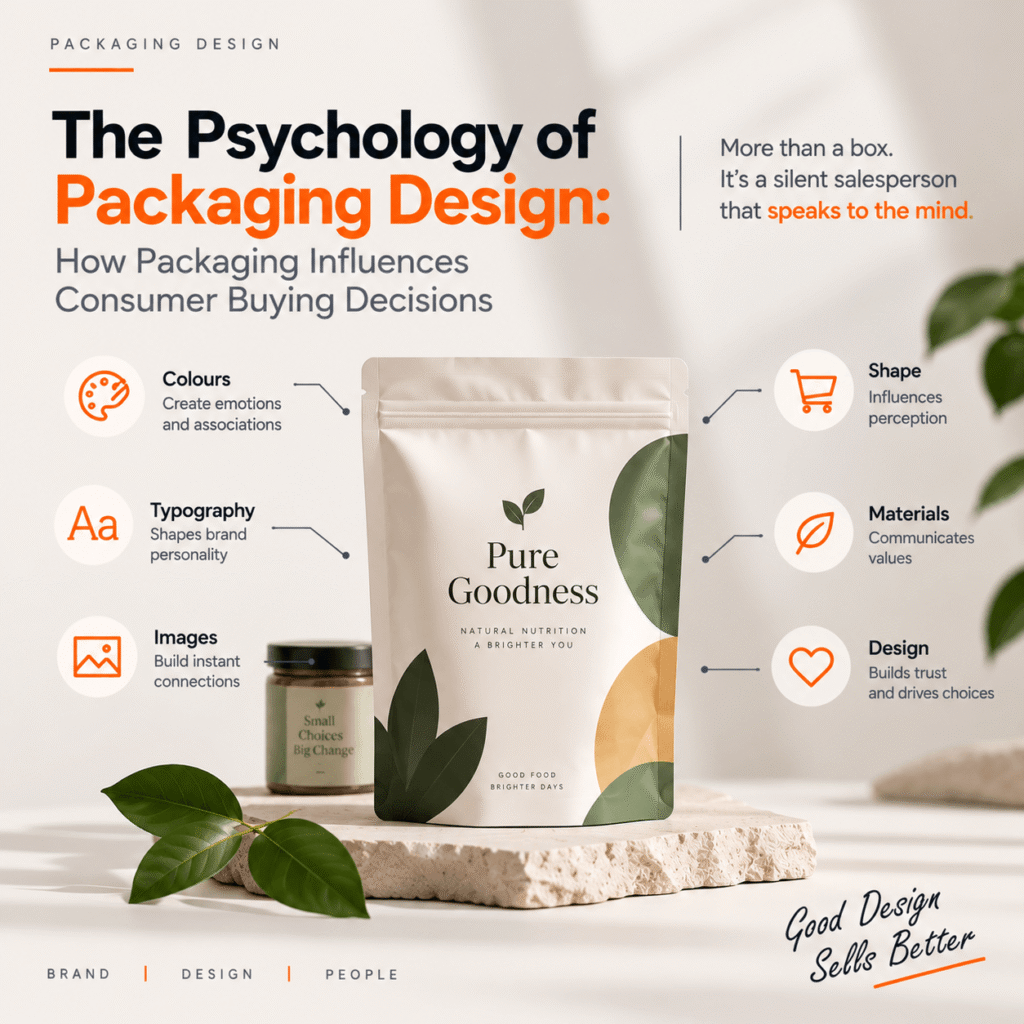
Imagine walking into a store and seeing dozens of similar products on the same shelf. You may not know every brand. You may not have researched every product. Yet within a few seconds, one package catches your attention. Maybe it’s the colour. Maybe it’s the typography. Maybe the packaging looks premium, simple, trustworthy, or completely different from everything around it. That first impression can influence whether you pick up the product, explore it further, or move on to another option. This is where the psychology of packaging design becomes important. Packaging isn’t simply a protective layer around a product. It is a powerful branding and marketing tool that communicates what a product represents before a customer even reads the details. From colours and fonts to shapes, images, materials, and layout, every element can influence how consumers perceive a product and make purchasing decisions. In this article, we’ll explore how packaging design influences consumer buying behaviour, why visual psychology matters, and how businesses can use strategic packaging design to build stronger brands. What Is Packaging Design? Packaging design is the process of creating the visual and functional appearance of a product’s packaging. It combines elements of: Good packaging needs to do more than look attractive. It should communicate: What is the product?Who is it for?Why should the customer choose it?What does the brand stand for? When these elements work together, packaging can become one of the strongest touchpoints between a brand and its customers. Why Does Packaging Design Matter? Consumers are exposed to thousands of marketing messages every day. In a crowded marketplace, brands have only a limited amount of time to capture attention. Packaging can help a product stand out before a customer has even interacted with the brand. Effective packaging can: For many physical products, packaging is effectively the first salesperson the customer encounters. The Psychology Behind Packaging Design Packaging works because consumers don’t make every purchasing decision through detailed logical analysis. Visual information can create immediate impressions. A package can make a product appear: These perceptions can influence how a customer evaluates the product. This doesn’t mean packaging can guarantee a purchase. Instead, good packaging helps create the right expectations and gives consumers a reason to consider the product. 1. Colour Psychology in Packaging Colour is one of the most noticeable elements of packaging. Different colours can create different associations depending on the context, culture, industry, and brand. For example: Red can communicate energy, excitement, urgency, or boldness. Blue is often associated with trust, reliability, calmness, and professionalism. Green can suggest nature, freshness, sustainability, or health. Black can create associations with luxury, sophistication, and premium positioning. Yellow can communicate optimism, warmth, and energy. However, there is no universal rule that says a particular colour will always produce one specific emotional response. The combination of colour, typography, imagery, and brand context matters. For this reason, choosing packaging colours should be a strategic branding decision rather than simply choosing a colour that looks attractive. 2. Typography Can Influence Brand Perception Typography is another important part of packaging design. The font used on a package can influence how consumers perceive the brand. For example, elegant typography may support a luxury positioning, while bold and playful fonts may work better for a youthful or energetic brand. Typography can communicate: But typography also has a practical role. If the product name, benefits, ingredients, or important information is difficult to read, attractive typography becomes a problem rather than an advantage. Good packaging design balances personality with readability. 3. Images Create Immediate Associations Visual imagery can communicate information faster than large amounts of text. A photograph of fresh ingredients may support a food brand’s natural positioning. Minimal product photography may communicate simplicity and sophistication. Illustrations can create a more playful or distinctive identity. The important thing is consistency. Images should support the product’s positioning rather than creating expectations that the actual product cannot deliver. 4. Packaging Shape Can Influence Perception Shape is often overlooked in packaging design. The physical form of a package can affect how consumers perceive the product. For example, sleek and minimal packaging may communicate modernity, while traditional shapes can create a sense of heritage. Unique packaging can also help a product stand out on crowded shelves. But distinctive packaging should still remain functional. A package needs to be: The best packaging combines visual differentiation with usability. 5. Minimalism vs. Visual Complexity Should packaging contain lots of information or keep things simple? There isn’t one answer. The right approach depends on the product, target audience, category, and positioning. Minimal packaging can communicate: More detailed packaging can communicate: The key is hierarchy. Customers should be able to understand the most important information quickly. A package shouldn’t force consumers to search through multiple visual elements to understand what they’re buying. 6. Packaging Creates Perceived Value Packaging can influence how valuable a product appears. Two products may offer similar functionality, but the product with more thoughtful packaging may be perceived as more premium. Elements that can influence perceived value include: This doesn’t mean businesses need expensive packaging. Strategic design is often more important than excessive decoration. The packaging should match the product’s price point and positioning. 7. Emotional Connection Can Drive Purchase Decisions Consumers don’t always purchase products based purely on features. Emotion plays an important role in brand perception. Packaging can create feelings such as: For example, traditional patterns and familiar visual elements can evoke nostalgia for certain audiences. A bold, contemporary design may create excitement among consumers looking for something new. When packaging reflects the emotions associated with a brand, it can make the product more memorable. 8. Consistency Builds Brand Recognition Imagine seeing the same colour palette, typography, logo style, and visual language across multiple products from the same brand. Over time, these elements become recognisable. This is why packaging and branding should work together. Consistent packaging can help consumers recognise a brand quickly across: A strong packaging system allows a brand to introduce new products while maintaining a recognizable identity.
Website Redesign vs. Starting From Scratch: How to Choose the Right Approach for Your Business
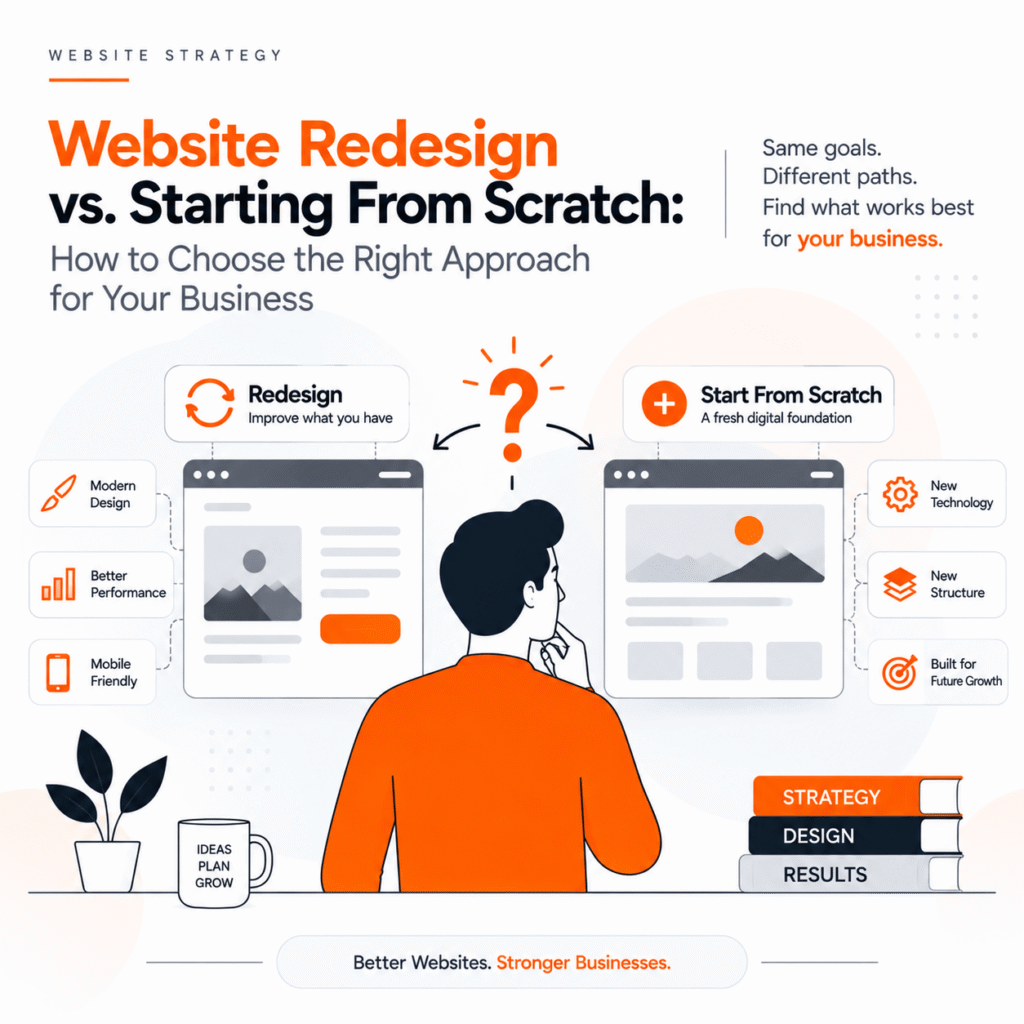
Your website is often the first interaction a potential customer has with your business. If your website looks outdated, loads slowly, is difficult to navigate, or doesn’t generate enough enquiries, you may already be thinking about rebuilding it. But there is an important question to answer first: Should you redesign your existing website, or should you start completely from scratch? The answer isn’t always about how old your website is. A website redesign can be the right choice when your existing foundation is still useful. On the other hand, starting from scratch may make more sense when your current website has technical limitations, poor structure, or no longer represents your business. In this guide, we’ll explain the difference between website redesign and new website development, the advantages and disadvantages of each approach, and how to decide what’s best for your business. What Is a Website Redesign? A website redesign means improving or rebuilding an existing website while retaining some of its existing structure, content, technology, SEO value, or other digital assets. Depending on your requirements, a redesign can involve: A redesign doesn’t necessarily mean changing everything. The goal is to identify what’s working, understand what’s not, and improve the website strategically. What Does Starting a Website From Scratch Mean? Starting from scratch means creating a new website rather than significantly modifying the existing one. This approach may involve: For example, a business that has been using an outdated website for several years may decide to move to WordPress or Shopify, depending on its requirements. Starting from scratch gives you greater freedom, but it also requires more planning, development, and investment. Website Redesign vs. Starting From Scratch: The Key Difference The simplest way to understand the difference is: Website redesign means improving and rebuilding what you already have. Starting from scratch means creating a completely new digital foundation. However, the decision should be based on more than the appearance of your website. You need to evaluate your current website’s: When Should You Choose a Website Redesign? A redesign can be the better option when your existing website has a solid foundation but needs improvement. 1. Your Website Looks Outdated Design trends and user expectations change quickly. If your website still looks like it was designed several years ago, visitors may perceive your business as outdated—even if your products or services are excellent. A modern website should have: A redesign can modernise your website without throwing away everything you’ve already built. 2. Your Website Gets Traffic but Doesn’t Generate Leads This is one of the biggest reasons businesses consider a website redesign. You may already have visitors coming through Google, social media, referrals, or advertising. But if visitors aren’t contacting you, requesting quotes, purchasing products, or booking services, the problem may be your website experience. A redesign can focus on conversion rate optimisation (CRO) by improving: The objective isn’t simply to make your website prettier. It’s to make your website work harder for your business. 3. Your Website Isn’t Mobile-Friendly Today, users frequently browse websites using smartphones. If your website requires visitors to zoom, scroll horizontally, or struggle with small buttons, you’re creating unnecessary friction. A redesign can introduce a mobile-first approach, ensuring that your website works smoothly across smartphones, tablets, laptops, and desktops. 4. Your Website Already Has SEO Value This is an important consideration when deciding between a redesign and a complete rebuild. If your existing website already ranks for valuable keywords and receives organic traffic, completely replacing it without an SEO migration strategy can create unnecessary risks. Your existing website may have: A carefully planned redesign can preserve these assets while improving the website. This is why SEO should be considered before—not after—a website redesign. When Should You Start From Scratch? Sometimes a redesign isn’t enough. A completely new website may be the better choice when the existing foundation is holding your business back. 1. Your Technology Is Outdated If your website runs on outdated technology, unsupported plugins, or an inflexible CMS, continuously fixing individual problems may become inefficient. In such situations, rebuilding the website on a more suitable platform can provide a stronger and more secure foundation. 2. Your Website Has Serious Performance Problems If your website consistently suffers from: then simply changing the design may not solve the underlying problems. A new website architecture may be a more practical solution. 3. Your Business Has Completely Changed Imagine a company that started as a small local service provider but now operates across multiple cities. Its original website may not have been designed for: If the business model has changed significantly, starting from scratch can provide the flexibility needed for the next stage of growth. 4. Your Website Is Difficult to Manage Your website should make your team’s job easier. If adding a new service, changing a product, publishing a blog, or updating images requires technical assistance every time, your current CMS may no longer be suitable. A new website can be designed around how your team actually works. Website Redesign vs. New Website: Comparison Factor Website Redesign Starting From Scratch Existing website Retained partially Replaced Design Updated Completely new Development Existing foundation may be used New development SEO Existing SEO can potentially be preserved Requires full SEO planning Cost Usually lower Usually higher Timeline Generally shorter Generally longer Flexibility Moderate to high Very high Technical limitations Some may remain Can be rebuilt Content Existing content can be improved Can be rewritten/restructured Best for Websites that need improvement Websites with major structural problems How Much Does a Website Redesign Cost? There is no single website redesign cost because every project is different. The cost can depend on: A small business website may require a relatively straightforward redesign, while a large e-commerce website may involve extensive UX, development, content, and SEO work. Instead of choosing an approach based only on price, consider the long-term value of your website. A cheap website that doesn’t generate enquiries can ultimately cost more than a strategically designed website that supports business growth. Will
