
Website Redesign vs. Starting From Scratch: How to Choose the Right Approach for Your Business
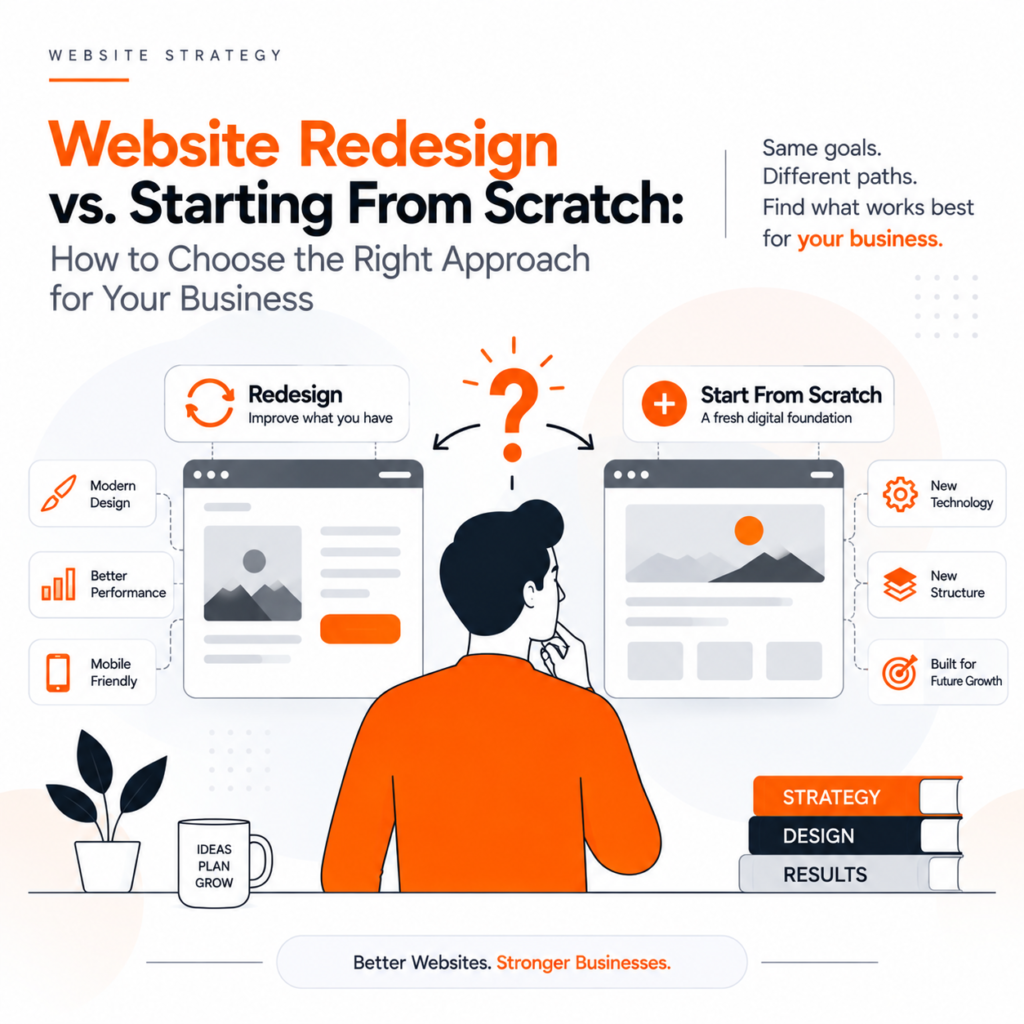
Your website is often the first interaction a potential customer has with your business. If your website looks outdated, loads slowly, is difficult to navigate, or doesn’t generate enough enquiries, you may already be thinking about rebuilding it. But there is an important question to answer first: Should you redesign your existing website, or should you start completely from scratch? The answer isn’t always about how old your website is. A website redesign can be the right choice when your existing foundation is still useful. On the other hand, starting from scratch may make more sense when your current website has technical limitations, poor structure, or no longer represents your business. In this guide, we’ll explain the difference between website redesign and new website development, the advantages and disadvantages of each approach, and how to decide what’s best for your business. What Is a Website Redesign? A website redesign means improving or rebuilding an existing website while retaining some of its existing structure, content, technology, SEO value, or other digital assets. Depending on your requirements, a redesign can involve: A redesign doesn’t necessarily mean changing everything. The goal is to identify what’s working, understand what’s not, and improve the website strategically. What Does Starting a Website From Scratch Mean? Starting from scratch means creating a new website rather than significantly modifying the existing one. This approach may involve: For example, a business that has been using an outdated website for several years may decide to move to WordPress or Shopify, depending on its requirements. Starting from scratch gives you greater freedom, but it also requires more planning, development, and investment. Website Redesign vs. Starting From Scratch: The Key Difference The simplest way to understand the difference is: Website redesign means improving and rebuilding what you already have. Starting from scratch means creating a completely new digital foundation. However, the decision should be based on more than the appearance of your website. You need to evaluate your current website’s: When Should You Choose a Website Redesign? A redesign can be the better option when your existing website has a solid foundation but needs improvement. 1. Your Website Looks Outdated Design trends and user expectations change quickly. If your website still looks like it was designed several years ago, visitors may perceive your business as outdated—even if your products or services are excellent. A modern website should have: A redesign can modernise your website without throwing away everything you’ve already built. 2. Your Website Gets Traffic but Doesn’t Generate Leads This is one of the biggest reasons businesses consider a website redesign. You may already have visitors coming through Google, social media, referrals, or advertising. But if visitors aren’t contacting you, requesting quotes, purchasing products, or booking services, the problem may be your website experience. A redesign can focus on conversion rate optimisation (CRO) by improving: The objective isn’t simply to make your website prettier. It’s to make your website work harder for your business. 3. Your Website Isn’t Mobile-Friendly Today, users frequently browse websites using smartphones. If your website requires visitors to zoom, scroll horizontally, or struggle with small buttons, you’re creating unnecessary friction. A redesign can introduce a mobile-first approach, ensuring that your website works smoothly across smartphones, tablets, laptops, and desktops. 4. Your Website Already Has SEO Value This is an important consideration when deciding between a redesign and a complete rebuild. If your existing website already ranks for valuable keywords and receives organic traffic, completely replacing it without an SEO migration strategy can create unnecessary risks. Your existing website may have: A carefully planned redesign can preserve these assets while improving the website. This is why SEO should be considered before—not after—a website redesign. When Should You Start From Scratch? Sometimes a redesign isn’t enough. A completely new website may be the better choice when the existing foundation is holding your business back. 1. Your Technology Is Outdated If your website runs on outdated technology, unsupported plugins, or an inflexible CMS, continuously fixing individual problems may become inefficient. In such situations, rebuilding the website on a more suitable platform can provide a stronger and more secure foundation. 2. Your Website Has Serious Performance Problems If your website consistently suffers from: then simply changing the design may not solve the underlying problems. A new website architecture may be a more practical solution. 3. Your Business Has Completely Changed Imagine a company that started as a small local service provider but now operates across multiple cities. Its original website may not have been designed for: If the business model has changed significantly, starting from scratch can provide the flexibility needed for the next stage of growth. 4. Your Website Is Difficult to Manage Your website should make your team’s job easier. If adding a new service, changing a product, publishing a blog, or updating images requires technical assistance every time, your current CMS may no longer be suitable. A new website can be designed around how your team actually works. Website Redesign vs. New Website: Comparison Factor Website Redesign Starting From Scratch Existing website Retained partially Replaced Design Updated Completely new Development Existing foundation may be used New development SEO Existing SEO can potentially be preserved Requires full SEO planning Cost Usually lower Usually higher Timeline Generally shorter Generally longer Flexibility Moderate to high Very high Technical limitations Some may remain Can be rebuilt Content Existing content can be improved Can be rewritten/restructured Best for Websites that need improvement Websites with major structural problems How Much Does a Website Redesign Cost? There is no single website redesign cost because every project is different. The cost can depend on: A small business website may require a relatively straightforward redesign, while a large e-commerce website may involve extensive UX, development, content, and SEO work. Instead of choosing an approach based only on price, consider the long-term value of your website. A cheap website that doesn’t generate enquiries can ultimately cost more than a strategically designed website that supports business growth. Will
What Makes a High-Converting Website? Key Design Principles That Drive Results
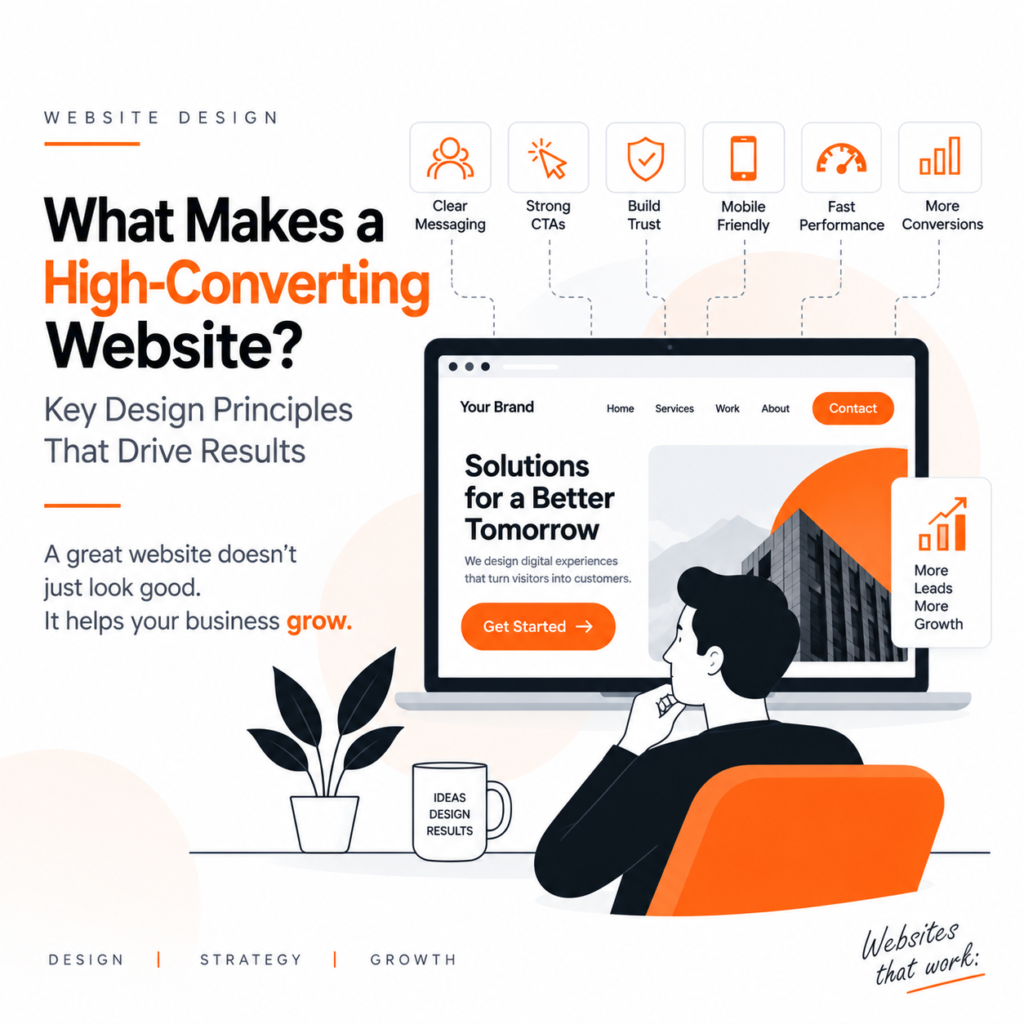
What Makes a High-Converting Website? A website is more than an online presence. For many businesses, it is one of the most important tools for generating leads, building credibility, and converting visitors into customers. But simply having a good-looking website doesn’t guarantee results. A high-converting website is designed around one key objective: making it easy for visitors to understand the business, trust the brand, and take action. Whether the goal is to generate enquiries, sell products, collect leads, or encourage bookings, effective website design can have a direct impact on business performance. So, what makes a website convert? 1. A Clear and Powerful First Impression Visitors form an opinion about a website within seconds. Your homepage should immediately communicate: A clear headline combined with a strong supporting message and CTA can help visitors understand your value without having to search through the website. Instead of complicated messaging, focus on clarity and relevance. 2. Simple and Intuitive Navigation Good website UX design makes it easy for visitors to find what they need. If users struggle to locate services, products, contact information, or important content, they are more likely to leave. Keep navigation: A visitor shouldn’t need to think about how to use your website. The design should naturally guide them from one section to another. 3. Strong Calls-to-Action A website should clearly tell visitors what they can do next. This is where effective CTA design becomes important. Depending on your business, calls-to-action could include: Get a QuoteBook a ConsultationStart Your ProjectContact UsShop Now Your CTA should be visible, specific, and connected to the visitor’s intent. Too many competing CTAs can create confusion, while too few can make it difficult for users to take action. 4. Build Trust Through Design Before contacting a business or making a purchase, users often want to know whether they can trust the brand. A professional website can build credibility through: Trust isn’t created through one element. It is built through the entire website experience. 5. Reduce User Friction Every unnecessary step can reduce conversions. For example, a long enquiry form with too many fields can discourage users from submitting it. A conversion-focused website should make important actions as easy as possible. Reduce friction by: The easier the journey, the more likely users are to complete it. 6. Design for Mobile Users A large percentage of website traffic comes from mobile devices. A website that looks great on desktop but is difficult to use on a phone can lose potential customers. Responsive web design ensures that content, buttons, images, forms, and navigation adapt to different screen sizes. Mobile users should be able to: Mobile-friendly design is no longer optional. It is an essential part of modern website design. 7. Use Visual Hierarchy Not everything on a webpage should have equal visual importance. Good visual hierarchy helps users understand where to look first, what information matters, and what action they should take. Designers can create hierarchy using: A well-structured page guides the visitor’s attention instead of making them process everything at once. 8. Speed and Performance Matter A beautiful website won’t convert effectively if it takes too long to load. Slow websites can create frustration and increase the chances that users leave before interacting with the page. Website performance can be improved by: Good website design should consider both visual experience and technical performance. 9. Create Content That Answers User Questions Design and content should work together. Visitors often arrive at a website with questions: What does this business offer?How much does it cost?Why should I choose this company?How does the process work? Your website content should answer these questions clearly. Instead of filling pages with generic marketing statements, focus on information that helps visitors make decisions. 10. Design With Business Goals in Mind The most effective websites aren’t designed only around aesthetics. Before designing a website, businesses should identify their primary goals. For example: Goal: Generate leads→ Focus on enquiry forms, CTAs, trust signals, and service pages. Goal: Sell products→ Focus on product presentation, search, checkout, reviews, and usability. Goal: Book consultations→ Focus on scheduling, clear service information, and strong CTAs. When design decisions are connected to measurable business objectives, the website becomes a business tool rather than simply a digital brochure. Design for Conversion, Not Just Appearance A visually impressive website can attract attention, but a high-converting website needs to do more. It should answer questions, remove doubts, guide visitors, build trust, and make the next step obvious. The best website design combines: Visual appeal + UX + clear content + performance + conversion strategy. When these elements work together, your website can become a powerful source of business growth. Conclusion A high-converting website doesn’t happen by accident. It requires thoughtful planning, user-focused UX design, clear messaging, strong calls-to-action, responsive layouts, fast performance, and a deep understanding of the target audience. At BlackBuck Design Studio, we believe website design should do more than look professional. It should help businesses attract the right audience, build trust, and turn visitors into meaningful opportunities. Your website isn’t just where customers find you. It should be where they decide to choose you.
Designing for AI Agents: Creating Digital Experiences Users Can Trust and Control
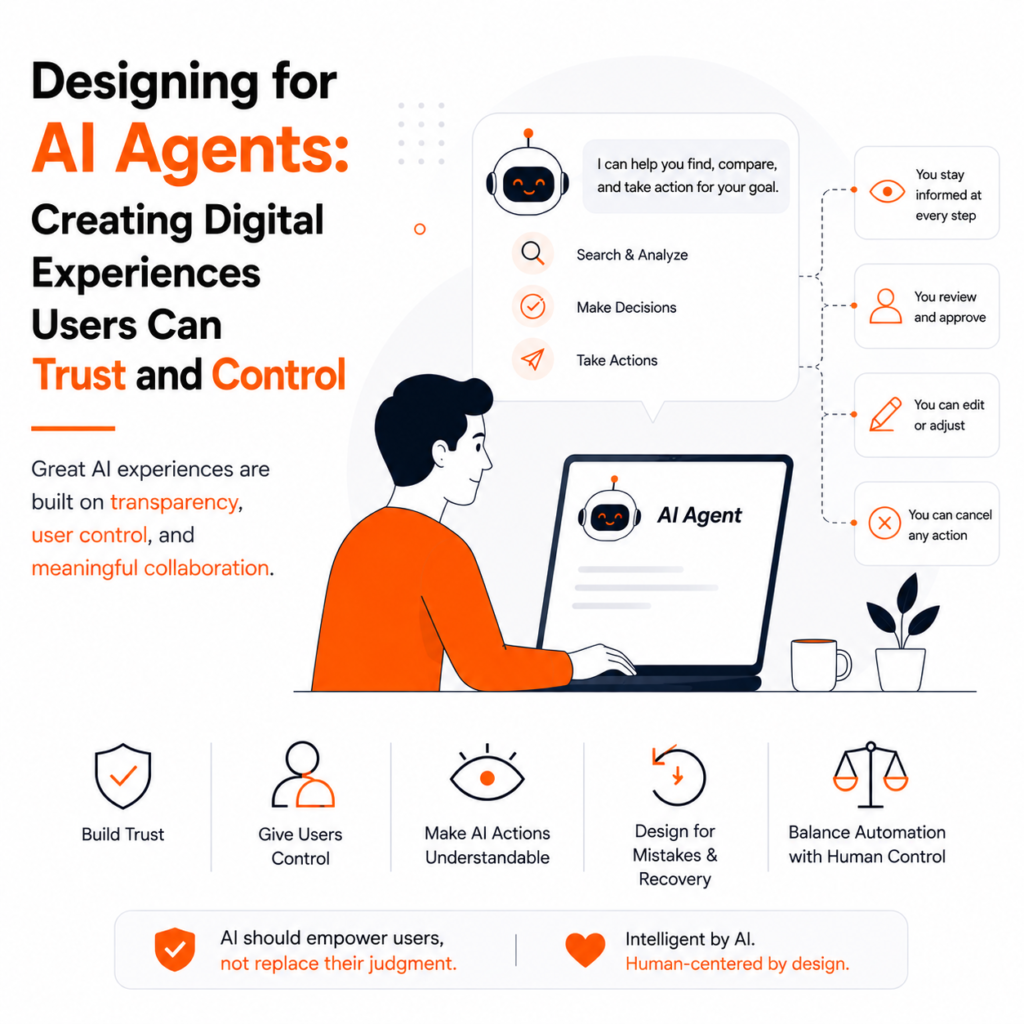
Artificial intelligence is changing how people interact with digital products. Instead of manually completing every step, users can now tell an AI system what they want and allow it to perform tasks on their behalf. These systems, commonly known as AI agents, can understand goals, make decisions, perform actions, and adapt based on context. But as AI becomes more capable, one important question becomes increasingly important: Can users trust AI while still remaining in control? This is where thoughtful AI UX design becomes essential. What Are AI Agents? An AI agent is a system that can take action to achieve a user’s goal rather than simply providing information. For example, instead of searching for flights, comparing options, and booking manually, a user could tell an AI agent: “Find a suitable flight for me within my budget.” The AI could search, compare options, and recommend a choice. This creates a different type of digital experience where the user and AI work together. Why Trust Matters in AI UX Traditional software usually performs actions only when users click or select something. AI agents can make decisions and complete multiple steps automatically. This makes trust a critical part of agentic UX. Users should be able to understand: A transparent experience helps users feel confident instead of feeling that the AI is operating like a black box. Give Users Control One of the most important principles when designing for AI agents is maintaining user control. Not every action should happen automatically. For example, an AI might automatically organize information or create a draft. But sending an email, making a payment, deleting information, or publishing content may require user approval. A good AI experience should provide clear options such as: Review → Approve → Edit → Cancel Giving users these choices creates a sense of control and reduces the risk of unwanted actions. Make AI Actions Easy to Understand AI interfaces don’t need to expose complicated technical information. Instead, they should provide simple explanations. For example: “I selected this option because it matches your budget and preferred timing.” This is more useful than simply saying: “Recommended by AI.” Small details like this can make AI-powered products feel more transparent and understandable. Design for Mistakes and Recovery AI isn’t perfect. It may misunderstand a request, use incorrect information, or fail to complete a task. Good AI product design should therefore include clear error messages and recovery options. Instead of: “Something went wrong.” A better message would be: “I couldn’t complete the booking because payment authorization failed. Your booking has not been confirmed.” Whenever possible, provide options to retry, edit, cancel, or undo an action. Balance Automation With Human Control The goal of AI UX isn’t to automate everything. The best experiences find the right balance between automation and human decision-making. Low-risk repetitive tasks can often be automated, while important or irreversible decisions should involve the user. This approach allows AI to save time without taking away user control. The Future of AI Product Design As AI agents become more common, digital products will move beyond traditional screens and workflows. Users may increasingly interact with products through goals, conversations, voice, images, and intelligent automation. This doesn’t mean interfaces will disappear. Instead, interfaces may become control layers around AI systems, helping users understand, guide, approve, and correct AI actions. For designers, this means the focus will shift from simply designing screens to designing human-AI interactions. Conclusion Designing for AI agents requires more than adding an AI feature to an existing product. Successful AI experiences need trust, transparency, simplicity, and user control. When users understand what an AI agent can do—and have the ability to review or stop important actions—they are more likely to feel comfortable using it. The future of digital product design isn’t about replacing people with AI. It’s about creating better experiences where humans and AI can work together effectively. At BlackBuck Design Studio, we believe the next generation of digital products should be not only intelligent, but also human-centered, transparent, and easy to control.
Beyond Beautiful Interfaces: How Great Product Design Drives Real Business Growth
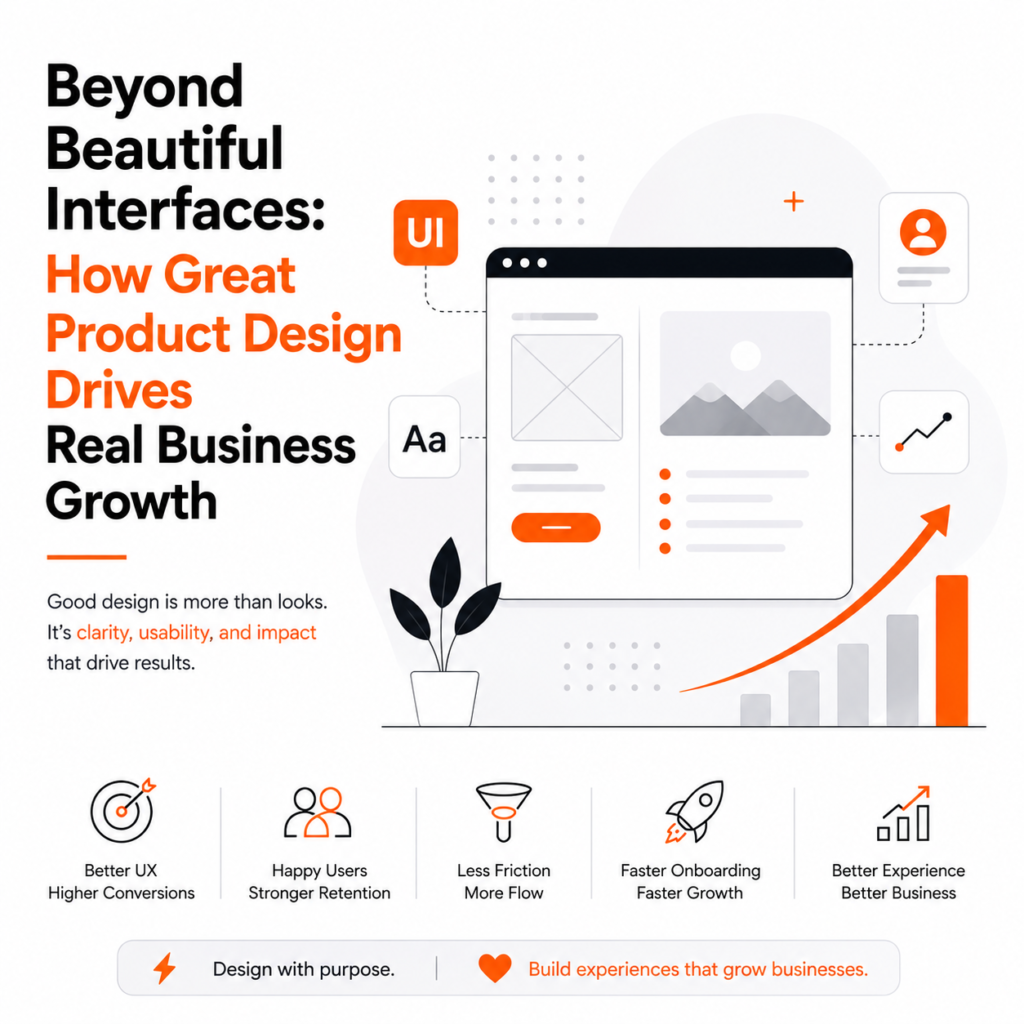
A beautiful interface can grab attention, but great product design goes much further than aesthetics. In today’s competitive digital landscape, businesses are no longer competing only on price or features. They are competing on the quality of the experience they provide. A customer may discover your product because of its features, but they often decide whether to stay because of how easy, useful, and enjoyable it is to use. This is where strategic product design becomes a business advantage. Good product design connects what users need with what a business wants to achieve. It can reduce friction, improve conversions, increase customer satisfaction, encourage retention, and ultimately contribute to revenue growth. So, product design isn’t simply about making an app or website look attractive. It’s about designing experiences that solve problems and create measurable business value. What Is Product Design? Product design is the process of researching user needs, identifying problems, creating solutions, testing ideas, and continuously improving a digital or physical product. In digital products, it can include: Unlike visual design alone, product design considers the entire user journey. A designer isn’t only asking: “Does this screen look good?” They’re also asking: That broader perspective is what makes product design valuable to businesses. Beautiful Design vs. Effective Design A visually impressive product isn’t necessarily a successful product. You can have: Beautiful UI + Poor usability = Frustrated users On the other hand: Good UX + Clear business strategy = Better product outcomes Visual design still matters. Colors, typography, spacing, imagery, animation, and branding influence perception. But aesthetics should support usability rather than compete with it. For example, a visually sophisticated checkout page may look impressive, but if users struggle to find the payment button, the design isn’t doing its job. The best digital products balance: Visual appeal + usability + business goals + user needs How Product Design Contributes to Business Growth 1. Better UX Can Increase Conversions Every digital product has important conversion points. For an e-commerce business, it could be: Product discovery → Product page → Cart → Checkout → Purchase For a SaaS company: Website → Sign-up → Onboarding → Product usage → Subscription At every stage, friction can cause users to leave. Strategic UX design identifies these friction points and simplifies the journey. For example, improving: can make it easier for users to complete important actions. The objective isn’t to manipulate users into converting. It’s to remove unnecessary obstacles that prevent users from doing what they already want to do. 2. Good Design Improves Customer Retention Getting a customer is only the beginning. Businesses also need customers to return. A confusing product can lead to frustration, support requests, negative reviews, and eventually churn. Good product design creates experiences that feel: When customers can accomplish their goals without unnecessary effort, they have more reasons to continue using the product. This is particularly important for: In these industries, retention can be just as important as acquisition. 3. Product Design Reduces User Friction User friction is anything that makes an experience unnecessarily difficult. Examples include: Each individual problem might seem small. But collectively, they can significantly affect the user experience. Imagine a user needs five steps to complete something that could reasonably take two. That extra effort creates friction. A strong UX strategy looks for opportunities to eliminate unnecessary steps while keeping the experience clear and secure. 4. Better Onboarding Gets Users to Value Faster First impressions matter. When someone signs up for a new digital product, they need to understand: What is this?Why should I care?What should I do next? Poor onboarding can cause users to abandon a product before experiencing its value. Effective onboarding can: The goal is to reduce the time to value. The faster users understand why a product is useful, the more likely they are to continue exploring it. 5. Design Builds Brand Trust Users make judgments quickly. Before reading every feature or understanding your technology, they experience your brand through its interface. An inconsistent or outdated interface can create doubts: Is this company reliable?Is my information safe?Will this product work properly? Consistent visual and interaction design can communicate professionalism and reliability. Trust can be influenced by details such as: This is why UX and brand perception are closely connected. 6. Good Design Can Reduce Business Costs Product design doesn’t only create revenue opportunities. It can also reduce costs. Consider a product with confusing navigation. Users may repeatedly contact customer support because they cannot find basic functionality. If UX improvements make those functions easier to discover, the business may receive fewer repetitive support requests. Similarly, usability testing before development can identify problems before they become expensive engineering changes. This creates an important principle: Finding a problem early is usually cheaper than fixing it after launch. 7. Design Improves Collaboration Between Teams Product design can also improve internal efficiency. A strong design process creates alignment between: Instead of each team interpreting the product differently, everyone works toward a shared user and business objective. Design systems can further improve efficiency by providing reusable components and clear standards. This reduces duplicated work and creates greater consistency across the product. 8. Data Makes Product Design More Business-Focused Modern product design shouldn’t rely entirely on assumptions. Businesses have access to valuable behavioral data through: This information can help designers understand where users struggle. For example, if analytics show that many users abandon a process on the same step, the design team can investigate why. Perhaps the form is too long. Perhaps the information isn’t clear. Perhaps users don’t understand what happens next. Data doesn’t replace design thinking. Instead, data and research help designers make better decisions. Measuring the ROI of UX Design One common question businesses ask is: “How do we know whether our design investment is working?” UX performance can be connected to measurable business metrics. Depending on the product, these can include: Conversion Rate How many users complete a desired action? Retention Rate How many users continue using the product? Churn Rate How many customers stop
AI vs Human Designers: Why Great UX Still Needs Human Creativity
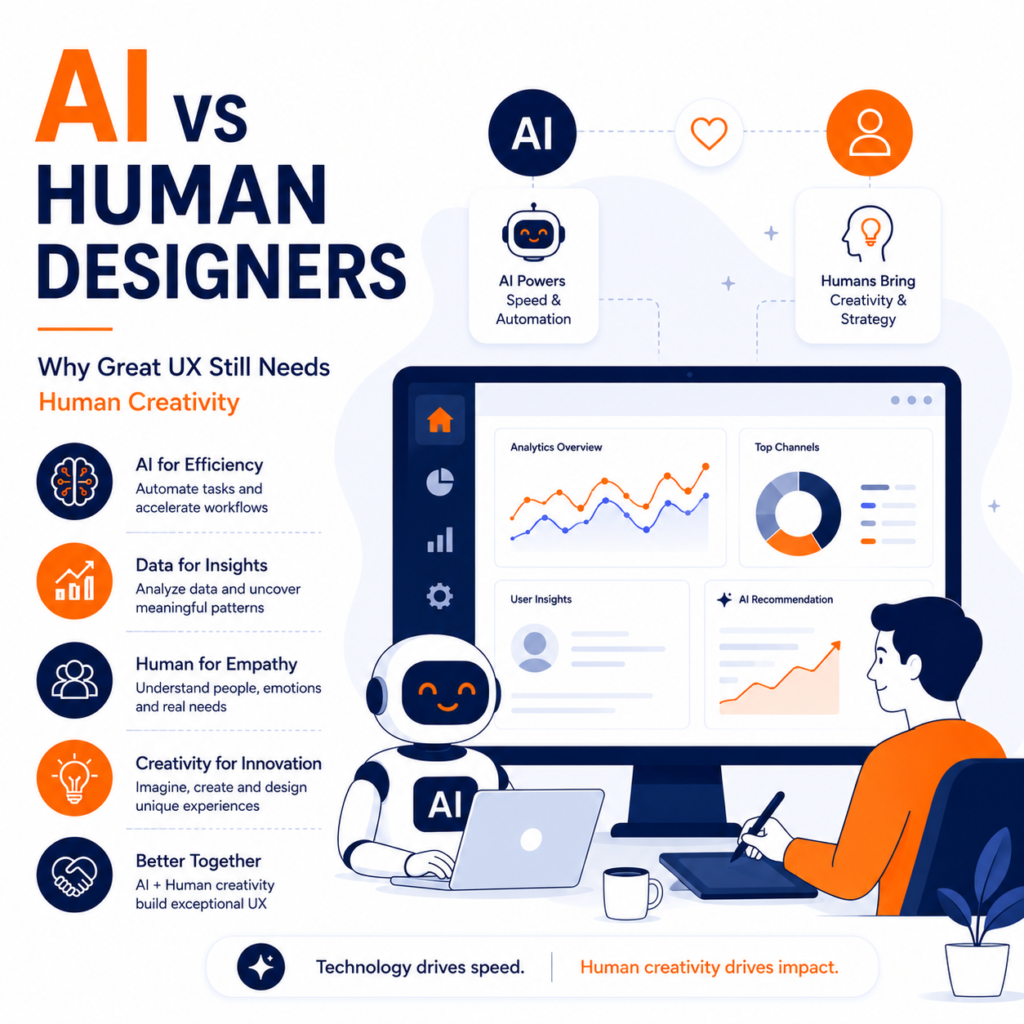
Artificial Intelligence has transformed the design industry faster than anyone imagined. From generating UI layouts and creating wireframes to writing UX copy and producing design systems, AI-powered tools are helping designers work faster and more efficiently than ever before. As AI continues to evolve, many businesses are asking an important question: Will AI replace human designers? The answer is more nuanced than a simple yes or no. In 2026, AI has become an invaluable design assistant, but it has not replaced the creativity, empathy, strategic thinking, and problem-solving abilities that experienced designers bring to the table. Great user experience (UX) is about understanding people—their emotions, motivations, frustrations, and goals. While AI can automate repetitive tasks and analyze vast amounts of data, it still lacks the human intuition required to create truly meaningful digital experiences. Rather than competing against each other, AI and human designers are becoming powerful collaborators. Businesses that understand how to combine AI efficiency with human creativity are building better products, stronger brands, and more engaging customer experiences. The Rise of AI in Product Design Over the past few years, AI has become deeply integrated into modern design workflows. Today’s AI-powered tools can: These capabilities save time and allow designers to focus on higher-value work. Instead of replacing creativity, AI is improving productivity. Why Businesses Are Adopting AI Design Tools Organizations are embracing AI because it helps accelerate product development. Benefits include: For startups and growing businesses, AI can significantly reduce the time required to launch digital products. However, speed alone does not guarantee great user experience. Great UX Begins with Understanding People User experience is fundamentally about solving human problems. Before creating interfaces, designers spend time understanding: This research shapes every design decision. Although AI can process user data, it cannot genuinely empathize with users or understand the emotional context behind their actions. Empathy remains one of the strongest advantages of human designers. Creativity Cannot Be Fully Automated AI generates designs by learning from existing patterns. Human designers create entirely new ideas. Innovation often comes from: These qualities are difficult for AI to replicate because they depend on imagination rather than prediction. Many of the world’s most iconic digital products became successful because designers challenged conventional thinking instead of repeating existing patterns. UX Is More Than Beautiful Interfaces Many people associate design with aesthetics. In reality, UX design focuses on creating products that are: A visually attractive interface can still provide a poor user experience if it fails to solve user problems. Human designers understand that every interaction should support a larger customer journey. AI may suggest attractive layouts, but determining whether they truly meet user needs requires human judgment. Human Designers Understand Context Every business has unique goals, audiences, and challenges. A healthcare platform requires different design decisions than an eCommerce website. A banking application demands different trust signals than a gaming platform. Human designers evaluate: AI can generate solutions, but it often lacks the contextual understanding needed to choose the most appropriate one. Emotional Design Builds Stronger Connections People rarely remember products simply because they worked well. They remember experiences that made them feel something. Human designers intentionally create emotions through: These emotional details strengthen customer relationships and improve brand loyalty. While AI can imitate design styles, creating authentic emotional experiences still requires human creativity. Accessibility Requires Human Thinking Inclusive design extends beyond technical compliance. Designers must consider users with: Creating accessible experiences requires empathy and thoughtful decision-making. AI can identify accessibility issues, but experienced designers determine how best to solve them while maintaining usability and aesthetics. AI Makes Designers More Productive Rather than replacing designers, AI allows them to spend more time on strategic work. AI can automate: Meanwhile, designers focus on: The result is a more efficient design process. Collaboration Is the Future The most successful design teams no longer ask whether AI or humans are better. Instead, they ask: “How can AI help designers do their best work?” AI excels at: Humans excel at: Together, they create stronger digital products than either could alone. Common Misconceptions About AI Design Many businesses misunderstand what AI can actually do. Common myths include: Myth: AI will completely replace UX designers. Reality: AI automates tasks but still requires human direction and validation. Myth: AI can understand users better than designers. Reality: AI analyzes behavior but cannot fully understand emotions, motivations, or social context. Myth: Faster design always means better design. Reality: Great UX requires research, testing, iteration, and continuous improvement. Real-World Examples Many leading technology companies use AI to support—not replace—their design teams. Companies like Adobe, Figma, Google, and Microsoft are integrating AI into their design tools to automate repetitive work while allowing designers to focus on creativity and innovation. These organizations recognize that AI improves workflows, but human expertise remains essential for building meaningful experiences. The Future of UX Design As AI continues to evolve, the role of designers will also change. Future UX professionals will spend less time creating repetitive layouts and more time: The designer of the future will not compete with AI—they will know how to collaborate with it. Partnering with Human-Centered Design Experts Creating exceptional digital products requires more than powerful AI tools. It requires a deep understanding of users, business goals, accessibility, branding, and product strategy. Businesses looking to build meaningful digital experiences often collaborate with experienced design partners who combine modern technology with human creativity. BlackBuck Studios specializes in branding, UI/UX design, website development, and digital product strategy, helping businesses create innovative, user-centered solutions that balance AI capabilities with thoughtful design. Final Thoughts Artificial Intelligence is undoubtedly transforming the design industry, making workflows faster, smarter, and more efficient. However, great user experience has never been about technology alone—it has always been about people. AI can generate layouts, analyze data, and automate repetitive tasks, but it cannot replace empathy, imagination, strategic thinking, or the ability to deeply understand human behavior. The future of design is not AI versus humans. It is AI and humans working together to create digital
Design Systems in the AI Era: Building Products That Scale Faster
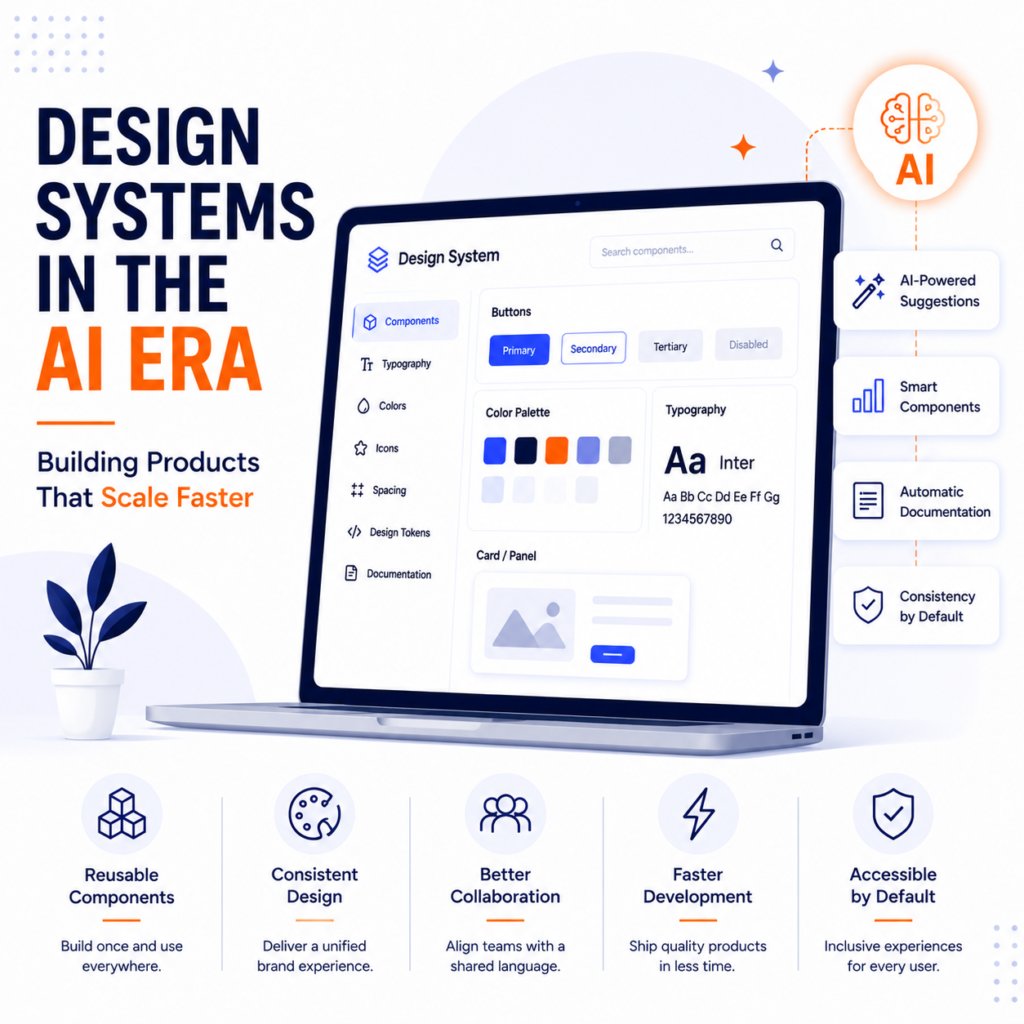
As digital products become more complex and Artificial Intelligence (AI) continues to reshape the way businesses build software, maintaining consistency across websites, mobile apps, and enterprise platforms has become more challenging than ever. Design teams are expected to deliver faster, developers need reusable components, and businesses want products that can scale without sacrificing quality. This is where design systems have become indispensable. In 2026, design systems are no longer just collections of UI components or style guides—they have evolved into strategic frameworks that enable organizations to build, maintain, and scale digital products efficiently. Combined with AI-powered design tools, design systems help teams accelerate product development while ensuring a consistent and user-friendly experience across every touchpoint. For startups and enterprises alike, investing in a robust design system is no longer a luxury; it is a competitive advantage. What Is a Design System? A design system is a comprehensive collection of reusable components, design standards, documentation, and guidelines that help teams create consistent digital experiences. Instead of designing every screen from scratch, designers and developers use predefined building blocks to create interfaces more efficiently. A modern design system typically includes: These elements work together to ensure consistency across products and platforms. Why Design Systems Matter More in 2026 As businesses expand their digital ecosystems, they often manage multiple websites, mobile applications, customer portals, and internal platforms. Without a design system, teams frequently encounter: Design systems solve these challenges by creating a shared language that keeps everyone aligned. With AI accelerating product development, having standardized design foundations has become even more critical. How AI Is Transforming Design Systems Artificial Intelligence is changing the way design systems are created and maintained. Modern AI-powered design tools can: Instead of replacing design systems, AI makes them more intelligent and easier to manage. Teams can spend less time on repetitive work and more time solving meaningful user problems. Faster Product Development One of the biggest advantages of a design system is speed. Rather than designing every page individually, teams can assemble interfaces using pre-approved components. This significantly reduces: AI further accelerates this process by generating layouts and recommending components that align with the design system. As a result, businesses can launch new products and features much faster. Consistency Builds Trust Consistency is one of the foundations of great user experience. When users encounter familiar buttons, navigation patterns, typography, and interactions across different screens, they feel more confident using the product. A design system ensures consistency across: This consistency strengthens brand recognition while improving usability. Better Collaboration Between Teams Successful digital products require close collaboration between designers, developers, product managers, and stakeholders. Without shared standards, communication often becomes inefficient. Design systems create a common framework that helps every team member understand: AI-powered documentation tools make this collaboration even smoother by automatically generating specifications and updating component libraries. Accessibility Becomes Easier Accessibility should never be treated as an afterthought. A well-designed design system includes accessible components from the beginning. Examples include: When accessibility is built into reusable components, every product created with the system benefits automatically. This reduces development effort while improving inclusivity. Design Tokens Enable Scalability Design tokens are reusable values that define visual properties such as: Instead of manually updating every component, teams modify design tokens, and changes automatically apply across the entire product ecosystem. This approach simplifies maintenance and enables faster scaling. AI Improves Component Management Managing large design systems can become difficult as products grow. AI can help by: This keeps design systems clean, organized, and easier to maintain over time. Supporting Multi-Platform Experiences Modern businesses rarely build for a single platform. Customers expect consistent experiences across: A design system enables teams to maintain visual and functional consistency regardless of screen size or platform. AI can further optimize layouts for different devices while preserving the overall design language. Common Mistakes Businesses Make Despite the advantages of design systems, many organizations struggle with implementation. Common mistakes include: A successful design system evolves alongside the product. It should be treated as a living resource rather than a static document. Real-World Examples Some of the world’s leading technology companies have built highly successful design systems. Google’s Material Design provides comprehensive guidelines that ensure consistency across Android applications and digital products. IBM Carbon Design System helps enterprise teams build scalable software with reusable components and accessibility built in. Shopify Polaris enables merchants and developers to create consistent commerce experiences across Shopify’s ecosystem. These examples demonstrate how design systems improve collaboration, scalability, and product quality. The Future of Design Systems As AI becomes increasingly integrated into product development, design systems will evolve beyond component libraries. Future design systems will likely: Rather than simply organizing design assets, they will become intelligent platforms that support faster and more efficient product development. Building Scalable Digital Products with the Right Design Partner Creating a successful design system requires expertise in UX strategy, UI design, accessibility, front-end development, and product scalability. Businesses looking to build consistent digital experiences often collaborate with experienced design partners who understand both modern design principles and emerging AI technologies. BlackBuck Studios specializes in branding, UI/UX design, website development, and digital product strategy, helping businesses create scalable design systems that improve collaboration, accelerate development, and deliver exceptional user experiences. Final Thoughts As businesses continue to build increasingly sophisticated digital products, consistency and scalability have become essential for long-term success. Design systems provide the foundation that enables teams to move faster, collaborate more effectively, and deliver cohesive user experiences across every platform. When combined with AI-powered tools, they become even more valuable by reducing repetitive work, improving efficiency, and supporting intelligent product development. In 2026, the organizations that scale successfully will not be those that design faster—they will be those that design smarter. Investing in a modern design system today is one of the most effective ways to build digital products that remain consistent, adaptable, and ready for the future.
Why UX Research Is More Important Than Ever in the Age of AI
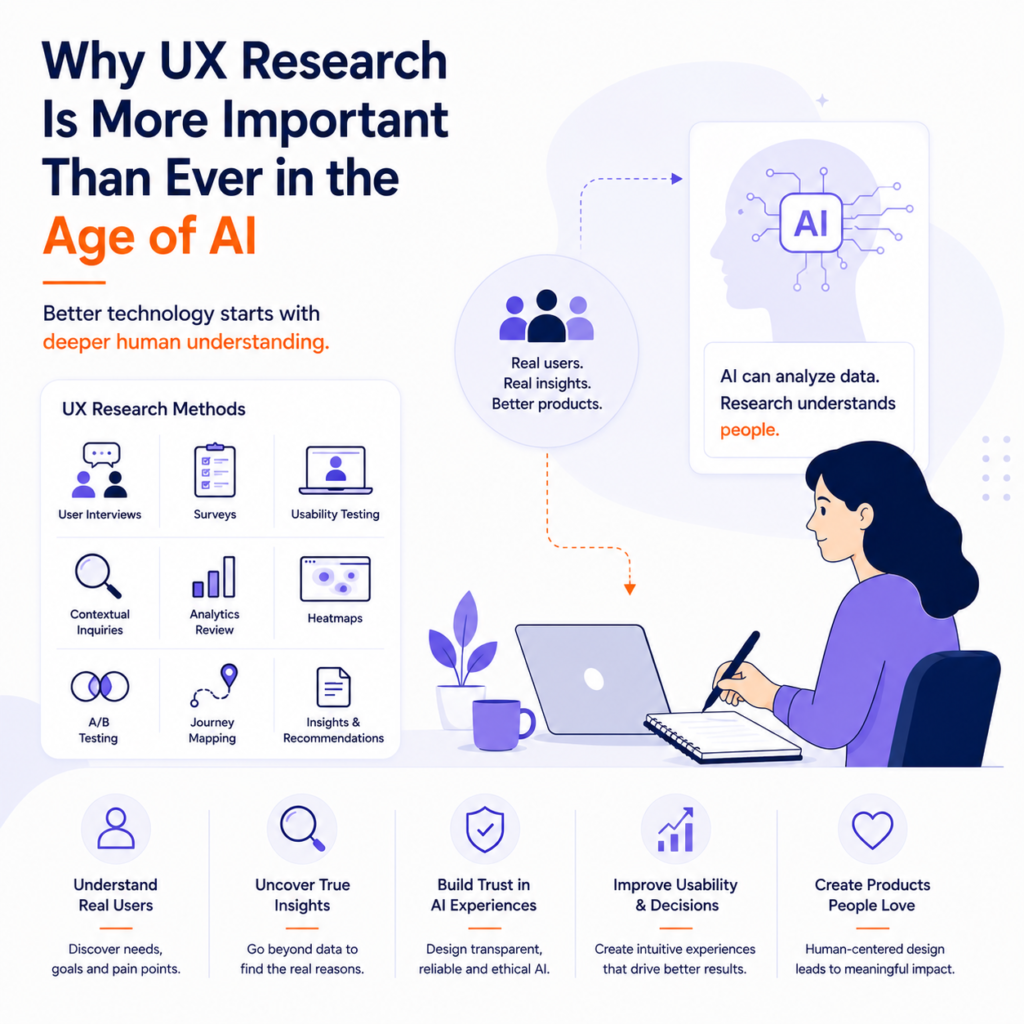
Artificial Intelligence (AI) is transforming the way digital products are designed, developed, and experienced. From AI-powered chatbots and recommendation engines to predictive analytics and intelligent assistants, businesses are integrating AI into almost every aspect of their products. While these innovations have made digital experiences faster and more personalized, they have also introduced new challenges for designers and product teams. One misconception many organizations have is that AI can replace the need for understanding users. In reality, the opposite is true. As AI becomes more capable, UX research has become more important than ever. Successful AI-powered products are not built solely on algorithms—they are built on a deep understanding of human behavior, expectations, emotions, and decision-making. In 2026, businesses that invest in user research are creating products that are not only intelligent but also trustworthy, intuitive, and genuinely valuable. Without UX research, even the most advanced AI technology can fail to deliver meaningful customer experiences. What Is UX Research? UX (User Experience) research is the process of understanding users, their goals, behaviors, needs, motivations, and challenges before designing a product or feature. Instead of making assumptions, UX researchers collect real insights through methods such as: These insights help businesses make informed design decisions that improve usability and customer satisfaction. Why AI Doesn’t Replace UX Research AI can analyze massive amounts of data within seconds, identify patterns, and generate recommendations. However, it cannot fully understand why people behave the way they do. For example, AI may identify that users abandon a checkout page, but it cannot always explain whether the reason is: UX research uncovers the human context behind the data, enabling businesses to solve the right problems instead of simply reacting to metrics. Understanding Human Behavior Is More Important Than Ever AI-powered products often make decisions on behalf of users, recommend actions, or automate workflows. This means designers must understand: These insights cannot be discovered through algorithms alone. They require direct interaction with real users. AI Changes User Expectations The rapid growth of AI has significantly changed customer expectations. Users now expect products to be: Meeting these expectations requires continuous user research. Businesses must regularly validate whether AI-powered features actually improve the user experience rather than simply adding technical complexity. UX Research Helps Build Trust in AI Trust has become one of the biggest challenges in AI-powered product design. Users often ask: UX research helps answer these questions by revealing what users need to feel confident when interacting with AI systems. Research findings often influence: These elements directly affect customer trust. Data Alone Doesn’t Tell the Whole Story Analytics dashboards provide valuable information about what users are doing. UX research explains why they’re doing it. For example: Analytics may show that users spend only 20 seconds on a page. Research may reveal that: Without research, businesses risk making incorrect assumptions about customer behavior. UX Research Reduces Costly Mistakes Launching AI features without validating user needs can be expensive. Businesses often waste time and resources building features that customers never use. UX research minimizes this risk by helping teams: The earlier problems are identified, the easier and less expensive they are to fix. Research Supports Better Personalization Personalization has become a defining feature of AI-powered products. However, meaningful personalization requires understanding what users actually value. Research helps businesses discover: These insights enable AI systems to deliver recommendations that feel relevant rather than intrusive. Human-Centered AI Starts with Research The best AI products are designed around human needs—not technical capabilities. UX research helps teams answer important questions such as: These questions shape AI experiences that genuinely improve users’ lives. Common UX Research Methods in the AI Era Modern product teams use a combination of qualitative and quantitative research methods. Popular approaches include: User Interviews Gain deep insights into user motivations, frustrations, and expectations. Usability Testing Observe how people interact with AI-powered interfaces and identify usability issues. A/B Testing Compare different AI experiences to determine which performs better. Behavioral Analytics Analyze how users navigate products and interact with AI-generated recommendations. Journey Mapping Understand how AI fits into the broader customer experience. Combining multiple research methods provides a more complete understanding of user needs. Common Mistakes Businesses Make Many organizations unintentionally reduce product quality by skipping research. Common mistakes include: Successful AI products balance technological innovation with continuous user validation. Real-World Examples Leading technology companies invest heavily in UX research despite having access to advanced AI technologies. Companies like Google, Microsoft, Adobe, and Spotify continuously test new features with users before releasing them widely. Their success demonstrates an important principle: Better technology alone doesn’t create better user experiences. Understanding people does. The Future of UX Research As AI continues to evolve, UX research will expand into new areas, including: Researchers will play an increasingly important role in ensuring AI remains useful, transparent, and human-centered. Building AI Products Around Real User Needs Developing successful AI-powered products requires more than advanced technology—it requires a deep understanding of the people who will use them. Businesses looking to create intelligent digital experiences often partner with experienced UX professionals who combine research, strategy, design, and technology. BlackBuck Studios specializes in UX research, UI/UX design, branding, website development, and digital product strategy, helping businesses build AI-ready products that are intuitive, accessible, and centered around real user needs. Final Thoughts Artificial Intelligence is changing how digital products are built, but it has not changed the fundamental purpose of design: solving human problems. As AI becomes more powerful, understanding user behavior becomes even more critical. UX research provides the insights needed to design products that people trust, enjoy, and find genuinely useful. Businesses that combine AI innovation with continuous user research will create products that stand out not because they use the latest technology, but because they deliver meaningful experiences. In 2026 and beyond, the most successful AI-powered products won’t simply be the smartest—they’ll be the ones designed with people at the center.
AI-First Product Design: How Businesses Should Build Digital Products in 2026
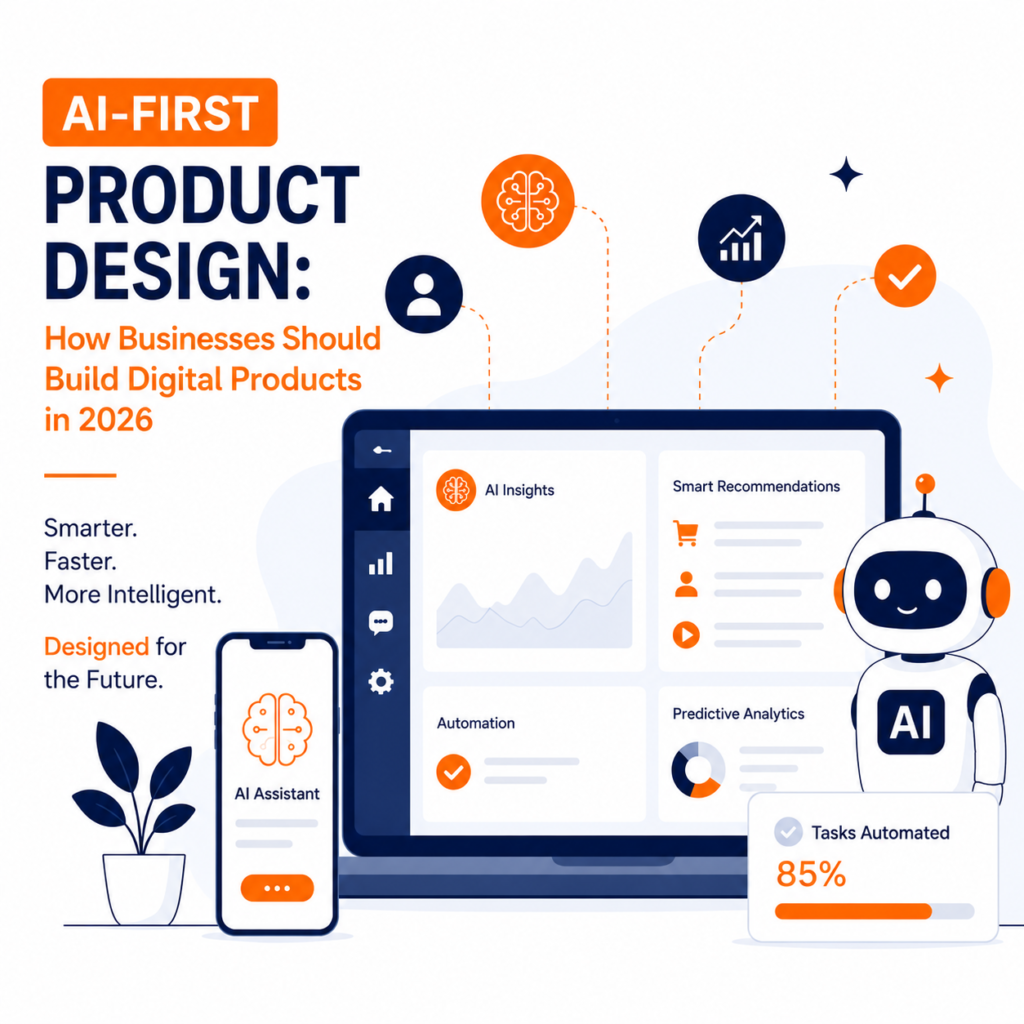
Artificial Intelligence is no longer an optional feature added to digital products—it is becoming the foundation of how modern software is designed, built, and experienced. From personalized shopping experiences and intelligent customer support to automated workflows and predictive recommendations, AI is transforming the expectations users have from digital products. In 2026, businesses are no longer asking, “Should we use AI?” Instead, they’re asking, “How do we build products where AI creates real value for users?” This shift has given rise to AI-first product design—an approach where artificial intelligence is considered from the earliest stages of product planning rather than being added as a feature after development. Instead of designing static interfaces, businesses are creating adaptive, intelligent experiences that learn, assist, and evolve with user behavior. Whether you’re building a SaaS platform, an eCommerce website, a fintech application, or an enterprise solution, adopting an AI-first mindset can improve customer experience, streamline operations, and create a lasting competitive advantage. What Is AI-First Product Design? AI-first product design is a strategy that places artificial intelligence at the core of the product experience. Rather than treating AI as an enhancement, businesses design products around intelligent capabilities that help users complete tasks faster and make better decisions. An AI-first product can: Instead of requiring users to navigate multiple screens and perform every action manually, AI-first products reduce effort by providing proactive assistance throughout the user journey. Why AI-First Design Matters in 2026 User expectations have changed dramatically over the past few years. People now expect digital products to be: Thanks to the rapid adoption of generative AI and intelligent assistants, customers are becoming accustomed to software that understands intent rather than simply responding to commands. Businesses that fail to meet these expectations risk falling behind competitors that deliver smarter and more efficient digital experiences. Designing Around User Problems, Not AI Features One of the biggest mistakes businesses make is adding AI simply because it’s popular. Successful AI-first products don’t begin with the question: “How can we use AI?” Instead, they begin with: “What problem are we solving for the user?” Artificial intelligence should remove friction, simplify processes, and improve decision-making—not add unnecessary complexity. For example, instead of building an AI chatbot just to follow a trend, a customer support platform might use AI to instantly summarize conversations, suggest solutions, and route queries to the right team members. The focus remains on solving real user problems. Personalization Becomes the Standard Traditional personalization relied on basic customer segmentation. AI-first products go much further by continuously learning from user behavior. Modern AI systems can analyze: This allows businesses to deliver highly personalized experiences that feel relevant to every individual. Streaming platforms recommend content, online stores suggest products, and productivity apps prioritize tasks based on how users actually work. Personalization is quickly becoming an expectation rather than a competitive advantage. Simplicity Is More Important Than Ever Ironically, the smarter software becomes, the simpler it should feel. Users shouldn’t need to understand complex AI models to benefit from them. The best AI-powered products hide technical complexity behind intuitive interfaces. Good AI-first design emphasizes: The technology should work quietly in the background while users remain focused on achieving their goals. Human-Centered AI Builds Trust As AI becomes more capable, trust becomes one of the most important aspects of product design. Users want to understand: Transparency creates confidence. Businesses should design AI experiences that explain recommendations, allow user feedback, and make it easy to override automated decisions when necessary. The goal is collaboration—not replacement. AI Should Enhance, Not Replace, Human Decisions One of the most effective approaches to AI-first design is keeping humans involved in important decisions. This concept, often called human-in-the-loop, ensures users remain in control while AI handles repetitive or data-intensive tasks. Examples include: This balance improves productivity while maintaining user confidence. Data Quality Determines AI Success Even the most advanced AI systems are only as good as the data they receive. Businesses investing in AI-first products should prioritize: High-quality data enables better predictions, recommendations, and automation while reducing errors. Performance Still Matters AI capabilities should never come at the cost of speed. Users expect intelligent features to respond quickly without slowing down the overall experience. Businesses should optimize: Fast performance remains a core part of great user experience. Accessibility Should Be Built In AI-first products should be inclusive from day one. Accessible design includes: Accessibility benefits all users while ensuring digital products reach the widest possible audience. Real-World Examples of AI-First Products Many leading technology companies have already embraced AI-first thinking. Google Workspace uses AI to summarize emails, generate documents, and assist with writing. Microsoft Copilot helps users analyze data, create presentations, and automate repetitive workplace tasks. Spotify combines AI with user behavior to recommend music tailored to individual listening habits. Amazon uses AI throughout its shopping experience, from personalized recommendations to demand forecasting and customer support. These companies demonstrate how AI can improve user experiences without overwhelming users with technical complexity. Common Mistakes Businesses Should Avoid While AI offers tremendous opportunities, many organizations make avoidable mistakes during implementation. Common challenges include: Successful AI-first products balance intelligence with usability. Measuring the Success of AI-First Products Businesses should evaluate AI initiatives using meaningful performance metrics rather than simply measuring AI adoption. Key indicators include: These insights help teams understand whether AI is genuinely improving the user experience. Building AI-Ready Digital Products Creating AI-first products requires expertise in product strategy, UX research, interaction design, data-driven decision-making, and emerging technologies. Businesses looking to develop intelligent digital experiences often work with experienced product design and development teams that understand both user needs and modern AI capabilities. BlackBuck Studios specializes in branding, UI/UX design, website development, and digital product strategy, helping businesses build scalable, user-centric solutions for the AI era. Final Thoughts Artificial intelligence is reshaping the future of digital products, but successful AI-first design is not about adding more features—it’s about creating better experiences. Businesses that focus on solving real user problems, building trust through transparency, and designing intuitive AI-powered interactions will
Accessibility by Design: Why Inclusive UX Is Now a Business Requirement
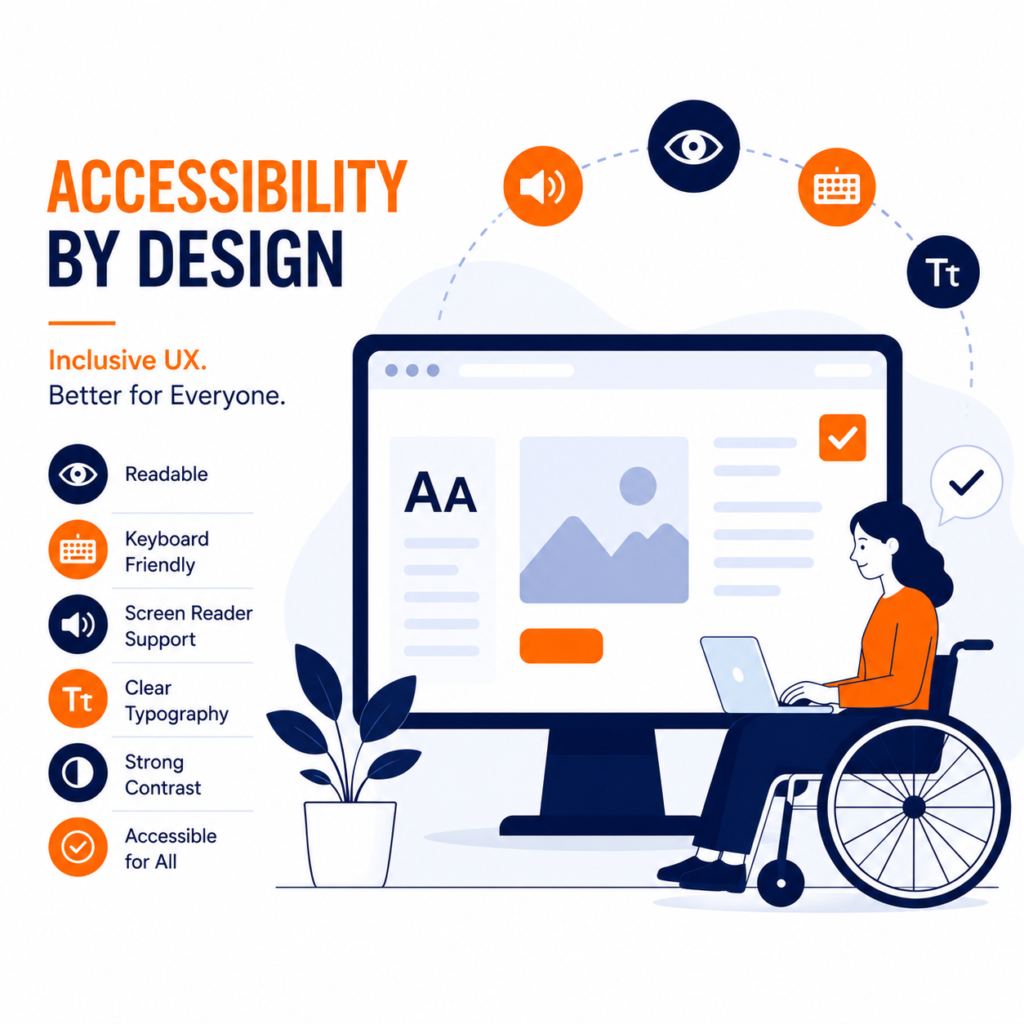
In today’s digital economy, businesses are expected to create experiences that are not only visually appealing but also accessible to everyone. Whether someone is shopping online, booking an appointment, using a banking app, or reading an article, every user should be able to navigate and interact with digital products comfortably. Yet millions of people still face barriers when using websites and applications because accessibility is often treated as an afterthought rather than a core design principle. In 2026, that approach is no longer sustainable. Accessibility is no longer just about complying with guidelines or supporting users with disabilities. It has become a business requirement that improves usability, expands market reach, strengthens brand reputation, and enhances the overall customer experience. Forward-thinking businesses are embracing Accessibility by Design—an approach where inclusive user experiences are planned from the beginning rather than added at the end of a project. What Is Accessibility by Design? Accessibility by Design is the practice of creating digital products that everyone can use, regardless of their physical, cognitive, sensory, or situational abilities. Instead of fixing accessibility issues after development, designers and developers consider inclusivity throughout the entire product lifecycle—from research and wireframing to design, development, testing, and launch. Accessible design benefits users who: The goal is simple: create digital experiences that work for as many people as possible. Why Accessibility Matters More Than Ever Digital products have become essential to everyday life. People rely on websites and apps for education, healthcare, banking, shopping, government services, and communication. If these experiences are inaccessible, businesses risk excluding a significant portion of their audience. Accessibility also influences: Organizations that invest in accessibility demonstrate that they value every customer, regardless of ability. Accessibility Is Good for Business Many companies still view accessibility as an additional expense. In reality, it’s a long-term investment that delivers measurable business value. Accessible digital products often lead to: When websites are easier to use, everyone benefits—not just users with disabilities. Inclusive UX Improves the Experience for Everyone Some of the most widely used digital features were originally developed as accessibility improvements. Examples include: Today, these features are appreciated by millions of users because they improve convenience and usability. Inclusive design often creates better experiences for every customer. The Core Principles of Accessible UX Design with Readability in Mind Content should be easy to read across all devices. Businesses should use: Readable content helps users absorb information more efficiently. Use Strong Color Contrast Poor color contrast makes content difficult to read, especially for users with low vision or color blindness. Good contrast improves: Accessible color choices also enhance the overall appearance of a website. Make Navigation Simple Visitors should never struggle to find information. Accessible navigation includes: The easier it is to navigate a website, the more likely users are to complete their goals. Design for Keyboard Users Not every visitor uses a mouse or touchscreen. Many people rely entirely on keyboards or assistive technologies to browse websites. Businesses should ensure users can: All without requiring a mouse. Add Alternative Text to Images Images should include descriptive alternative text (alt text) so screen readers can communicate visual information to users with visual impairments. Effective alt text should describe the purpose of an image rather than simply stating what it contains. This also contributes to better SEO. Create Accessible Forms Forms are one of the most common sources of accessibility problems. Accessible forms should include: Simple forms reduce frustration and improve completion rates. Mobile Accessibility Matters Too With mobile devices accounting for the majority of internet traffic, accessibility must extend beyond desktop experiences. Mobile-first accessibility includes: Designing for mobile accessibility improves usability across every device. Accessibility Supports Better SEO Search engines reward websites that provide structured, user-friendly experiences. Many accessibility best practices also improve search engine optimization, including: Creating accessible websites often leads to stronger organic visibility. Common Accessibility Mistakes Businesses Make Despite growing awareness, many organizations continue to make avoidable mistakes. These include: Identifying and correcting these issues can dramatically improve user experience. Accessibility Builds Brand Trust People remember businesses that make them feel included. An accessible website communicates: Brands that prioritize inclusivity often enjoy stronger customer loyalty because they remove barriers instead of creating them. Accessibility isn’t just a technical improvement—it reflects a company’s values. Preparing for the Future of Digital Experiences As technology continues to evolve, accessibility will become even more important. Artificial intelligence, voice interfaces, wearable devices, and immersive digital experiences must all be designed with inclusivity in mind. Organizations that embed accessibility into their design process today will be better prepared for tomorrow’s digital landscape. Rather than viewing accessibility as a checklist, businesses should see it as an ongoing commitment to delivering exceptional experiences for every user. Partner with Accessibility-Focused Design Experts Building accessible digital products requires more than following technical guidelines. It involves understanding user behavior, inclusive design principles, usability testing, and modern development practices. Businesses looking to create accessible, user-friendly websites and digital products often collaborate with experienced design partners. BlackBuck Studios specializes in branding, UI/UX design, website development, and digital marketing, helping businesses build inclusive digital experiences that are visually engaging, high-performing, and accessible to a broader audience. Final Thoughts Accessibility is no longer a feature reserved for compliance—it has become an essential part of modern user experience design. Businesses that prioritize inclusive UX create products that are easier to use, reach a wider audience, improve customer satisfaction, and strengthen their brand reputation. More importantly, they demonstrate that every customer matters. As digital experiences continue to shape how people interact with businesses, designing for accessibility from the very beginning is one of the smartest investments an organization can make. In 2026 and beyond, inclusive design isn’t simply the right thing to do—it’s a strategic business advantage.
Agentic UX: How AI Agents Are Changing Product Design in 2026
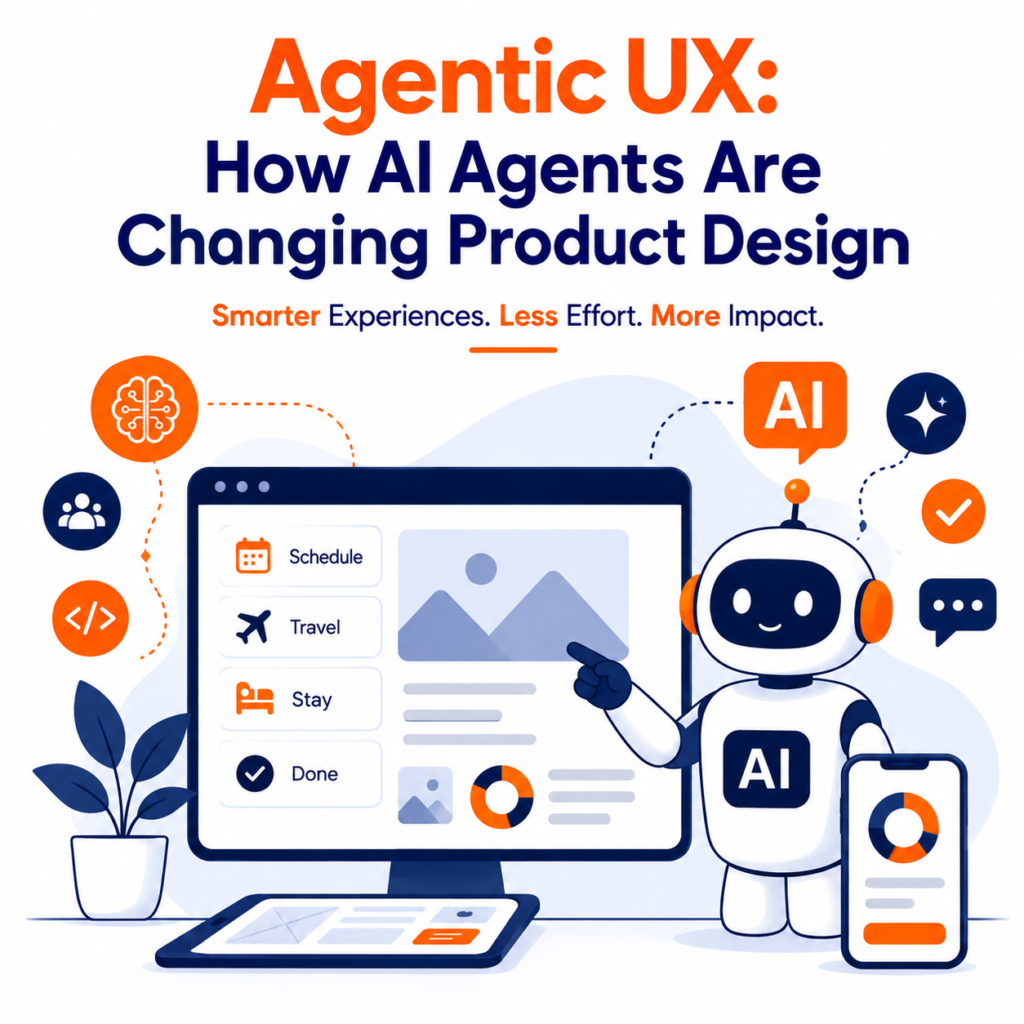
Artificial Intelligence has evolved far beyond chatbots and recommendation engines. In 2026, a new wave of AI-powered experiences is transforming the way people interact with digital products. Known as Agentic UX, this emerging design approach focuses on creating interfaces where AI agents don’t just respond to user commands—they proactively understand goals, make decisions, and complete tasks on behalf of users. From scheduling meetings and booking travel to analyzing data and managing workflows, AI agents are reshaping how digital products are designed and experienced. Instead of navigating complex interfaces, users increasingly expect intelligent systems that anticipate their needs and simplify everyday interactions. For designers, developers, and businesses, this shift represents one of the most significant changes in product design since the rise of mobile-first experiences. What Is Agentic UX? Agentic UX (Agentic User Experience) is a design philosophy centered around AI-powered agents that can independently perform tasks, make recommendations, and collaborate with users to achieve specific goals. Unlike traditional interfaces that require users to manually navigate menus and complete every action themselves, Agentic UX enables AI systems to understand intent and handle much of the process automatically. For example, instead of opening multiple apps to plan a business trip, an AI agent could: All from a single request. Rather than acting as a search tool, AI becomes an active digital assistant capable of executing tasks. Why Agentic UX Matters in 2026 The way people interact with technology is changing rapidly. Users no longer want to spend time navigating complicated dashboards or switching between multiple applications. They expect technology to simplify their lives. Several trends are driving the adoption of Agentic UX: As AI becomes more capable, product design must evolve alongside it. Moving Beyond Traditional User Interfaces For decades, digital interfaces have relied on buttons, menus, forms, and navigation bars. While these elements remain important, they’re no longer the only way users interact with software. Instead of asking: “Where do I click?” Users increasingly ask: “Can you do this for me?” This subtle shift changes the role of product designers. Instead of designing every interaction manually, designers now create systems that enable collaboration between humans and AI. AI Agents Reduce User Effort One of the biggest advantages of Agentic UX is reducing cognitive load. Traditional software often requires users to: AI agents streamline these processes by handling repetitive work automatically. This allows users to focus on decisions rather than operations. Personalization Becomes More Intelligent Personalization has existed for years through recommendation engines and customer segmentation. Agentic UX takes personalization much further. Modern AI agents learn from: This allows digital products to adapt dynamically instead of presenting the same interface to every user. For example, a project management platform could automatically prioritize urgent tasks, schedule meetings, summarize updates, and recommend the next best action based on team activity. Designing for Collaboration Instead of Control Traditional UX focuses on helping users control software. Agentic UX focuses on helping users collaborate with AI. This changes several design principles. Instead of asking users to complete every step manually, interfaces now emphasize: The relationship becomes collaborative rather than transactional. Trust Becomes the Foundation of Agentic UX As AI agents gain more autonomy, user trust becomes increasingly important. People need confidence that AI systems are making appropriate decisions. Product designers must clearly communicate: Transparency is no longer optional. The more autonomous AI becomes, the more important explainability becomes. Designing Human-in-the-Loop Experiences Despite rapid AI advancements, users still want control over important decisions. Successful Agentic UX includes a “human-in-the-loop” approach where AI assists users without completely replacing human judgment. For example: This balance improves productivity while maintaining trust. New Challenges for UX Designers Designing AI-powered experiences introduces entirely new UX challenges. Teams must consider: Unlike traditional software, AI responses may vary depending on context, making consistency an important design consideration. Real-World Examples of Agentic UX Many leading technology companies are already embracing Agentic UX principles. AI assistants now summarize meetings, generate presentations, organize inboxes, write code, analyze documents, and automate repetitive workflows. Productivity tools increasingly act as intelligent collaborators instead of passive software. These developments demonstrate that Agentic UX is quickly moving from experimentation to mainstream product design. Business Benefits of Agentic UX Organizations adopting Agentic UX can deliver significant improvements in customer experience. Key benefits include: By removing unnecessary complexity, AI agents allow users to achieve more with less effort. Designing Ethical AI Experiences As AI becomes more capable, ethical design becomes increasingly important. Responsible Agentic UX should prioritize: Businesses that build trustworthy AI experiences are more likely to earn long-term customer confidence. The Future of Product Design Agentic UX represents more than another design trend. It signals a fundamental shift from interface-centered design toward outcome-centered design. Instead of designing software that simply responds to user actions, designers are creating intelligent systems capable of understanding intent, assisting with decisions, and completing meaningful work. As AI technology continues to evolve, future digital products will become increasingly proactive, personalized, and collaborative. Preparing for the Next Generation of Digital Experiences Building AI-powered products requires expertise in user research, interaction design, AI workflows, and human-centered thinking. Businesses exploring intelligent digital experiences often partner with experienced design agencies that understand both emerging technologies and modern UX principles. BlackBuck Studios specializes in branding, UI/UX design, website development, and digital product strategy, helping businesses create innovative digital experiences that are ready for the AI era. Final Thoughts Agentic UX is redefining how people interact with technology. Rather than asking users to perform every task manually, AI agents are becoming intelligent collaborators capable of simplifying workflows, automating repetitive tasks, and helping users achieve their goals faster. For designers and businesses alike, the challenge is no longer just creating attractive interfaces—it is designing trustworthy, transparent, and human-centered AI experiences. As digital products continue to evolve, organizations that embrace Agentic UX today will be better positioned to deliver the seamless, intelligent experiences users will expect tomorrow.
